

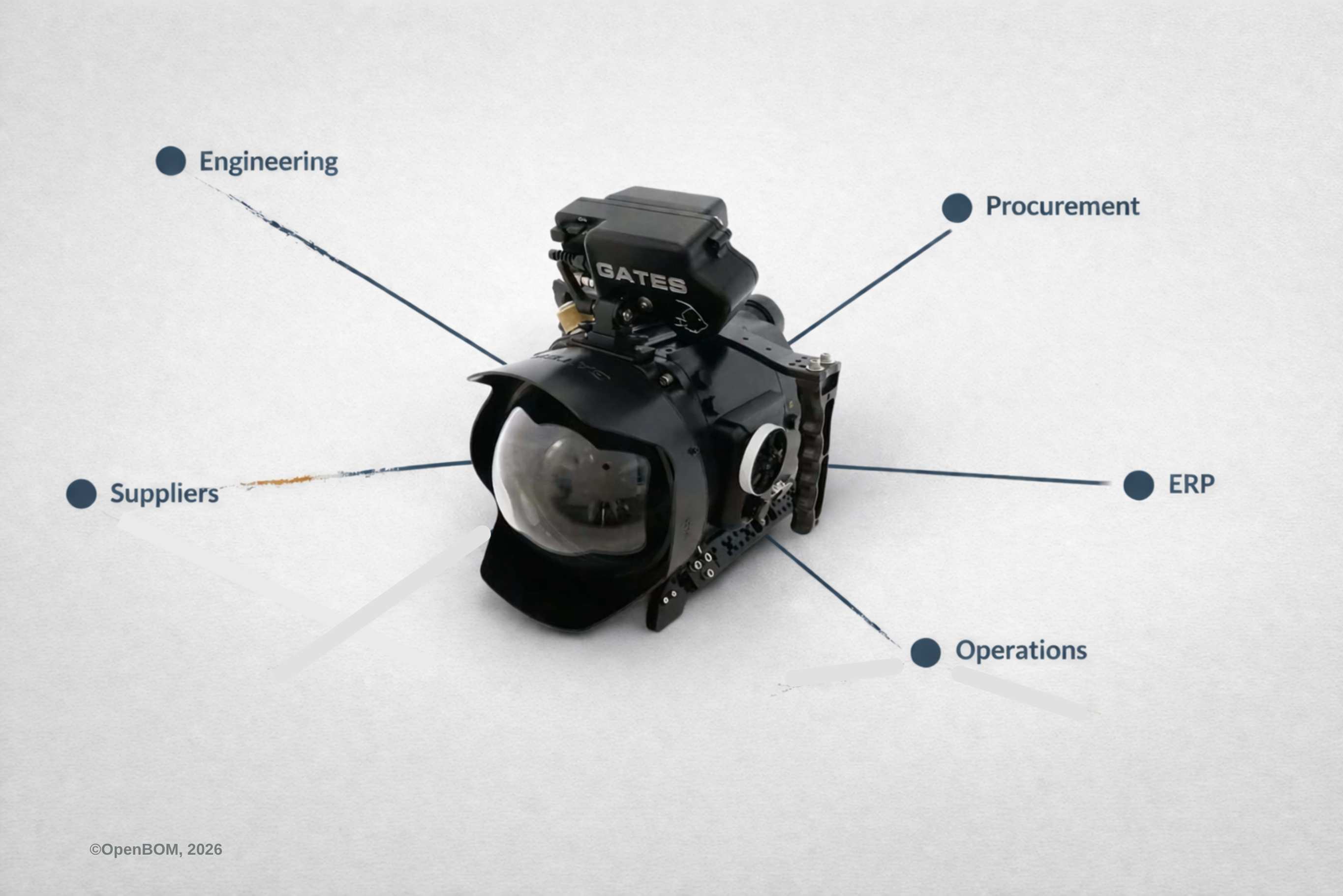
A SolidWorks model is essential. A BOM is essential. Drawings, PDFs, STEP files, and DXFs are essential too. Many teams also have PDM, shared folders, release procedures, and spreadsheets, plus some connection to ERP. On paper, that sounds like a reasonably complete system. In practice, most engineering managers I talk to still feel something important is missing, and they struggle to name exactly what it is.
That feeling is worth taking seriously.
In the first article of this series, I wrote that SolidWorks teams usually do not lose control because CAD is wrong. The real fragmentation starts after product information leaves the design and PDM environment and begins moving through exports, files, folders, and spreadsheets. In the second article, I took that further: once product data reaches procurement, ERP, operations, and suppliers, the challenge stops being a BOM handoff problem and becomes a coordination problem that runs across the whole company.
This third article is where I want to name what sits underneath both of those problems.
What many SolidWorks teams are missing is not just better file control. It is not just a cleaner BOM export or a tighter ERP integration. What is missing is the connected layer that keeps product knowledge attached to the product itself as it moves across functions and evolves over time.
That may sound abstract, but the symptoms are entirely practical.
A team can have the right model in SolidWorks, a released drawing package, a BOM export, a procurement spreadsheet, and item records in ERP, and still struggle to answer questions that should be easy. Why was this part changed? Which supplier alternative did procurement discuss last quarter? Was that substitution approved for ongoing use or only cleared for one urgent build? Which revision actually made it into purchasing? Did manufacturing raise a concern about this assembly during the last build? What dependency exists between this mechanical component, the PCB layout, and a firmware constraint that no one captured in the engineering record?
These are not edge cases. They are the everyday questions of product organizations. And the fact that so many teams cannot answer them quickly reveals something important: files and BOMs are necessary, but they are only part of the picture.
Why SolidWorks Files Do Not Preserve Engineering Decisions
A SolidWorks assembly stores geometry, structure, constraints, and design intent as CAD understands it. A PDF stores a drawing. A STEP file stores geometry for exchange. A spreadsheet stores a list captured at a point in time. Each of these is genuinely useful. Each plays a real role in the workflow.
But a file stores an artifact. It does not carry the full operational meaning of that artifact.
A model does not explain that a part was changed because purchasing could not source the original within the required lead time. It does not capture that manufacturing asked for a modification to simplify assembly. It does not record that a certain vendor was acceptable only for one urgent build, not as a qualified ongoing source. It does not preserve the fact that a downstream change in electronics created a risk that the mechanical team addressed by modifying a bracket—a reasoning never written down outside of one email thread.
The information is real. The decisions were made by real people with real reasoning. But the artifact does not preserve the reasoning; it preserves the outcome.
This distinction matters more than it might seem. When a new engineer joins the team, or when an existing one returns to a part they have not touched in eighteen months, they are handed the outcome without the story behind it. They can see what the product is, but they cannot easily see why it became that way. That gap is where time gets lost and mistakes are repeated.
What a BOM Captures and What It Leaves Out
A BOM is foundational for exactly the reasons I described in the first two articles. It gives the team a shared structure. It connects engineering to procurement, operations, planning, and manufacturing. Without it, none of the downstream coordination works at all.
But structure is not the same thing as understanding.
A BOM line tells you what the product contains. It usually does not tell you why the team selected that component over an alternative. It does not show what was evaluated and rejected. It does not preserve the conversation about cost versus lead time. It does not explain if a sourcing choice was provisional. It does not reveal whether a design decision was driven by performance, manufacturability, supplier availability, or schedule pressure. It does not record what operations learned during the last build about how that assembly actually goes together.
The BOM carries the answer. It usually does not carry the reasoning behind the answer.
Over time, as the product goes through revisions, the gap between the answer and the reasoning gets wider. By the third or fourth major revision, the BOM reflects a series of decisions whose original logic may be almost entirely invisible to anyone who was not present for each one. The structure looks clean, but the understanding behind it has quietly eroded.
How Product Knowledge Gets Trapped Across Procurement, ERP, and Operations
This is where the previous articles become important in a new way.
When product data moves into procurement, operations, ERP, and supplier workflows, something genuinely valuable happens. Each function adds real knowledge to the product. Procurement adds approved vendors, negotiated prices, lead times, alternates, and sourcing status. Operations may reorganize the structure according to how the product is actually assembled. ERP contributes normalized records, transaction-ready fields, and item definitions built around planning and purchasing logic. Suppliers and contract manufacturers provide quoting feedback, execution constraints, and real-world manufacturability input.
The problem is not that these enrichments are wrong or unimportant. The problem is that they usually do not stay connected to the same evolving product record.
Procurement’s vendor knowledge lives in procurement’s spreadsheet or system. Operations’ assembly logic lives in the manufacturing BOM inside ERP. The supplier’s feasibility feedback lives in an email or a quote document. The ERP item record carries normalized data but not the reasoning behind its own setup. Each function has done real work to understand and contextualize the product, but none of that work is easy to find from the product itself.
As I wrote in the previous article: exports can move structure, but they usually leave meaning behind. The knowledge that each function adds to the product rarely makes the return trip to a place where the whole team can see it. Engineering does not automatically learn what procurement discovered about a preferred vendor. Procurement does not automatically see the manufacturing concern that operations flagged. The functions operate in parallel, each building their own understanding of the same product, yet those understandings rarely converge into a single connected record.
Why ECO and Revision History Are Not Enough for Product Continuity
Many teams assume that this is exactly what revision tables, ECO processes, and vault logs are for. These tools do create important traceability, and a controlled change process is genuinely necessary.
But change history and product memory are not the same thing.
Knowing that revision B replaced revision A tells you that something changed. It does not automatically tell you why the change was initiated, what alternatives were considered, which downstream functions were consulted, or whether the root issue was actually resolved or merely managed.
An engineering manager who inherits a product three years after several major revisions can read the ECO log carefully and still not understand the product. The change history is there; the reasoning is not.
This is why teams keep reconstructing knowledge the organization already developed. An engineer revisits a part and does not know why the previous alternative was rejected. Procurement asks again whether an alternate supplier is acceptable because the earlier answer never became part of a connected record. What looks like inefficiency is usually something more specific: a loss of continuity.
The Connected Product Context That Most Engineering Teams Are Missing
Products today are not defined only by geometry. Even in companies centered entirely on SolidWorks, the real product spans mechanical design, electronics, firmware, software, supply chain, and operational decisions. When those layers do not stay connected, the organization functions through constant reconstruction. People spend significant time recovering context that was already developed and then lost.
That is the real cost: not missing data, but disconnected knowledge.
The organization typically knows far more than its systems can preserve. Some knowledge lives in SolidWorks custom properties, some in PDM history, some in enriched spreadsheets, and some survives only in the memory of a lead who may not be there next year. What is missing is the connected layer that allows the meaning around the product to survive as the product moves.
What Is Product Memory and Why SolidWorks Teams Need It Now
This is where the idea of Product Memory enters the picture.
Imagine opening a part record and seeing not just its current revision, but the supplier alternate procurement evaluated last year and why it was set aside, or the manufacturing concern raised during the last build. Not a document archive or a static comment field, but a connected record of what the organization actually learned about that part.
That is what Product Memory means: a connected layer that preserves structure, continuity, and context as a product evolves across engineering, procurement, ERP, and suppliers. It is not a replacement for SolidWorks, PDM, or ERP. It is the layer those systems were never designed to provide.
If your team has the files, the BOMs, and the processes, yet still struggles to preserve what it actually knows about the product, the missing piece is the context. That is the deeper problem behind many SolidWorks workflow frustrations in 2026.
Talk to OpenBOM About Your SolidWorks Workflow
If what you read here resonates with your team’s experience, I would like to hear about it.
OpenBOM is built specifically for teams who need to manage BOMs, parts, and product data across the full workflow—from SolidWorks through procurement, operations, and beyond. We help teams connect these layers without replacing the systems they already depend on.
If you are an engineering manager or operations lead trying to stop losing context, reach out. We are happy to look at your specific situation and show you how other SolidWorks teams have solved this problem.
You can request a demo or start a conversation by contacting me directly via email.
Best, Oleg
Join our newsletter to receive a weekly portion of news, articles, and tips about OpenBOM and our community.








