Reading about a BOM tool only tells you so much. The real question is whether it works with your parts, your BOMs, and your CAD files.
The only way to answer that is to try it on your own data. That is what the OpenBOM free trial is for. It is free, there is no credit card required, and setting up an account takes a few minutes.
This is the second article in our Getting Started series. Before you create your first bill of materials, here is how to create your OpenBOM account, step by step.
How to start your OpenBOM free trial
1. Start the trial
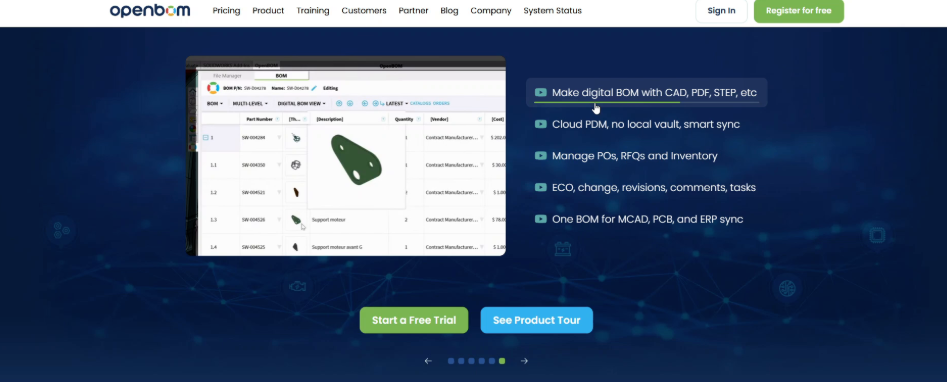
On openbom.com, select Start a Free Trial, or Register for free at the top of the page.
2. Fill in your information
The Get Started with OpenBOM form opens. Keep New registration selected, then:
- Enter your email, company name, first and last name, company phone, and company size.
- Choose a password and enter it twice.
- Under Select CAD system, choose the CAD system you design in.
- Tick I agree to the Terms of Service and Privacy Policy.
Select Get Started.
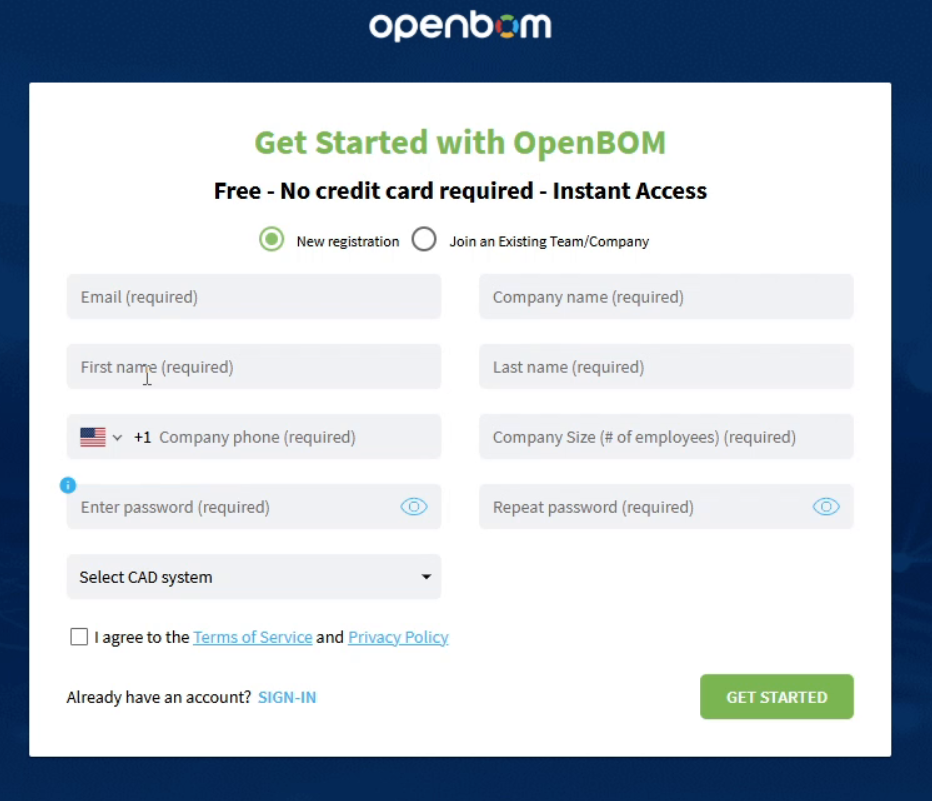
Already have an account? Select Sign-in at the bottom of the form instead.
3. Answer a few questions
OpenBOM asks a few questions so it can guide you. For example, whether you want to manage CAD files better, keep formal revisions, or manage inventory. Tick the ones that fit and select Next.
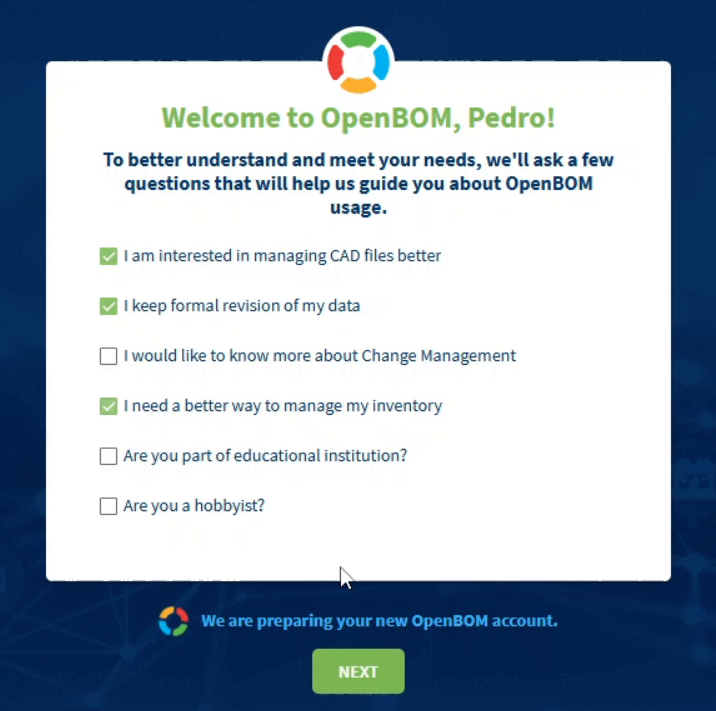
4. Wait a few seconds while your account is prepared
While your account is being set up, OpenBOM shows CAD Integration Setup. It includes a link to download the add-in for your CAD system, so you can sync your CAD files with OpenBOM. You can install it now or later. Select Next to continue.
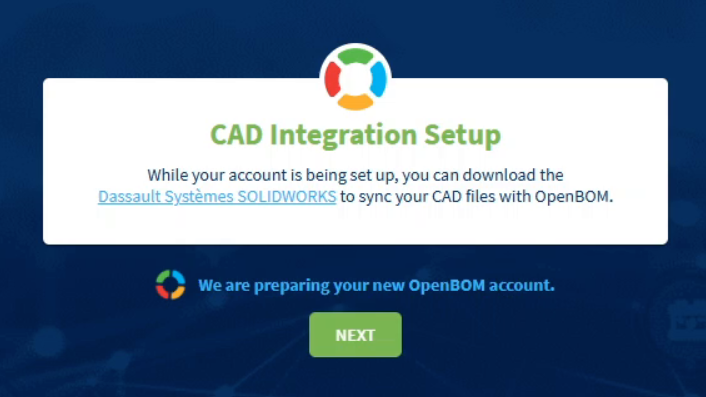
5. You’re in
In a couple of seconds, you land on Home. Its quick actions let you import data, manage items and BOMs, and open your CAD files. The banner at the top shows how many days of your trial remain.
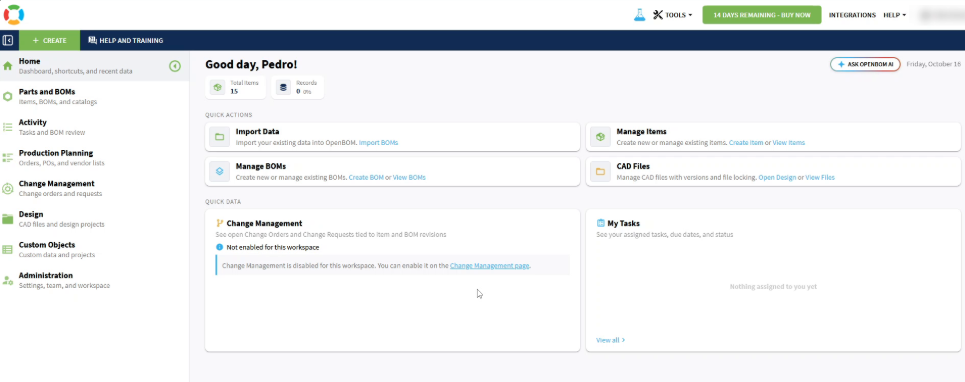
Start with something you know
Your trial is ready, and the clock is running, so use it on real work. Pick one product or one assembly your team knows well. It makes it much easier to judge whether OpenBOM fits.
In the next article, we create your first bill of materials by hand. It takes a few minutes and shows how OpenBOM thinks about items, catalogs, and BOMs.
Next: Create your first BOM.
Best, Oleg
Join our newsletter to receive a weekly portion of news, articles, and tips about OpenBOM and our community.