


There is one constant factor in engineering and manufacturing: change. Therefore, change management is a fundamental component of any solution for data and process management in engineering and manufacturing.
I’m thrilled to provide you with some initial information about the enhancements in OpenBOM’s Change Management functionality. The purpose of these improvements is to make change management support more robust, flexible, and user-friendly for engineering and manufacturing businesses using OpenBOM.
Here are three key additions to OpenBOM’s Change Management:
- Change Order Templates
- Flexible Change Order Data Model (Properties)
- Notification System Enhancements
Let’s explore these enhancements in greater detail.
Change Order Templates
One of the most important enhancements is to be able to define multiple “types” of change orders. In such a way, any company can define different change processes (ECO, MCO, etc.), to customize different attributes that need to be added to the Change Order and define what workflow (people who will need to approve changes) will be added.
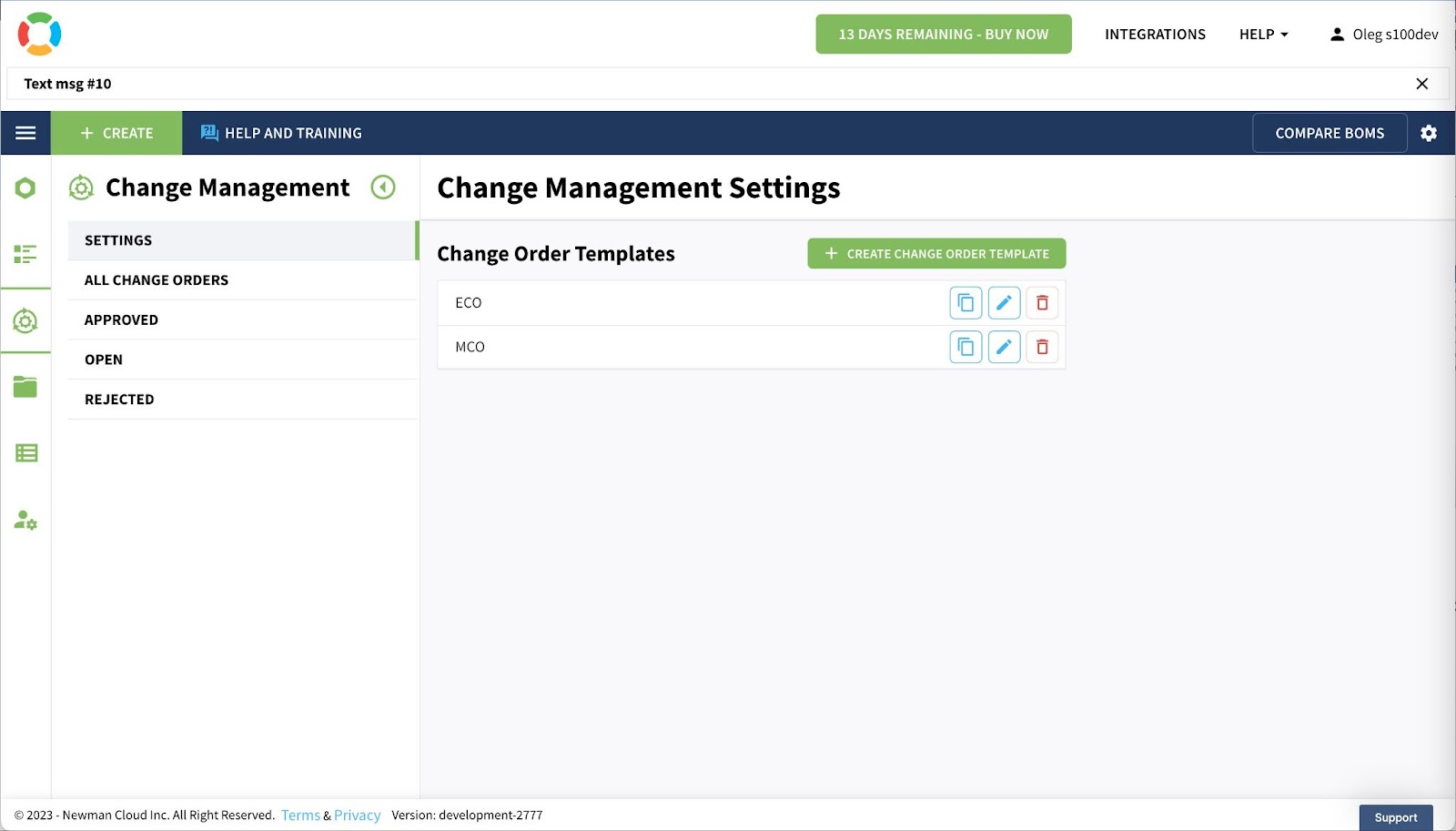
As you can see in the picture above, you can create multiple change order templates.
Flexible Change Order Data Model
A big enhancement is the ability to define multiple “types” of change orders. This enables any company to establish various change processes (such as ECO, MCO, etc.), customize different attributes that need to be included in a Change Order, and specify the workflow (identifying the individuals responsible for approving changes).
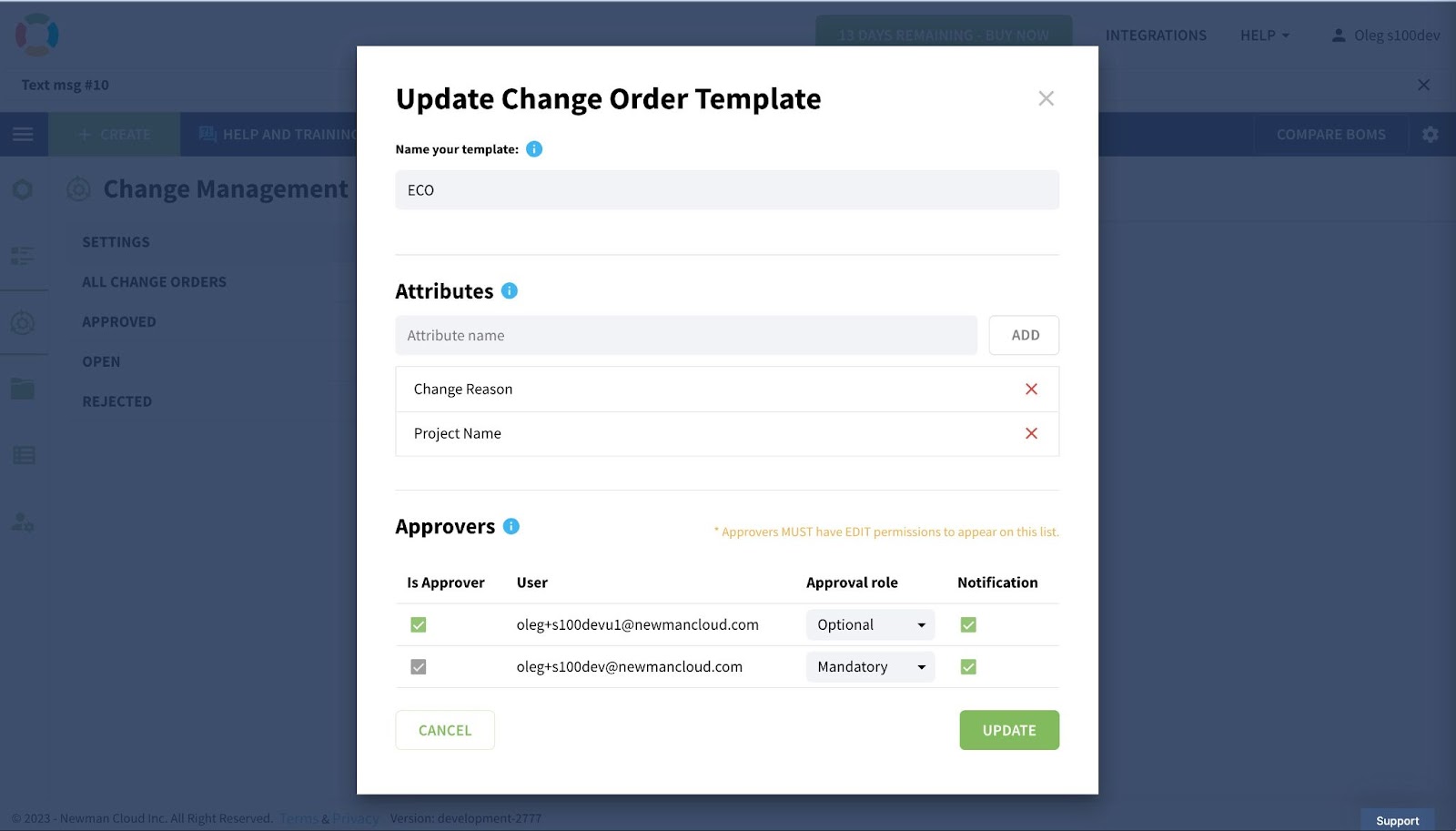
By configuring the approvers and data attributes, each company will be able to create a fully flexible definition of the change order process. Typically different ECO, MCO, but also change processes related to simple documentation changes, etc.
Enhancements of Notification System
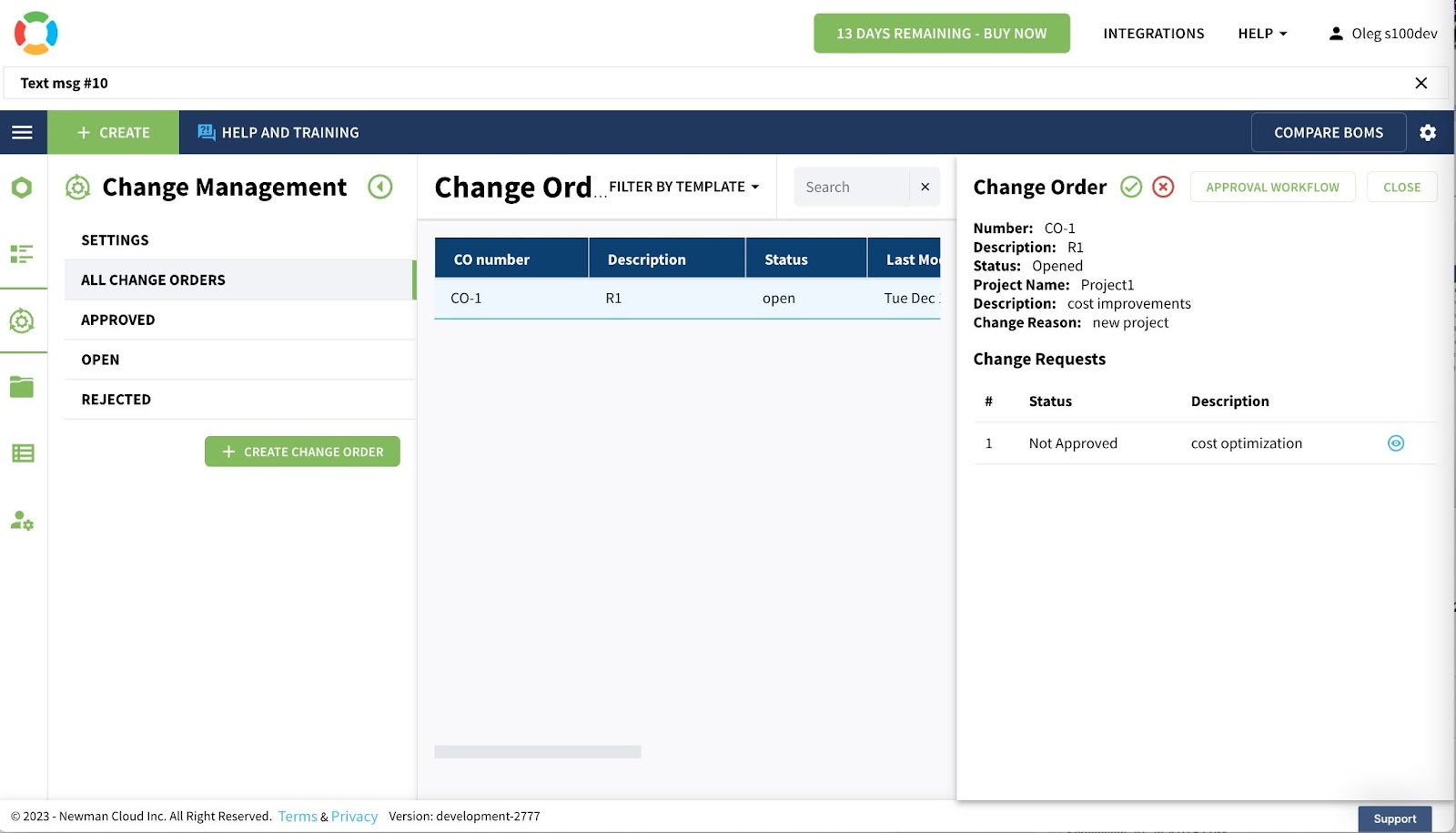
Last, but not least, enhancements are the improvement of the notification system. It will allow users to notify users about change orders they should be “approving”. Also, it will allow for better control of who is getting specific information and notifications for each change order.
Conclusion:
Change Management enhancements are a crucial aspect of OpenBOM’s advanced feature development. The highly requested Change Order template configuration will enable businesses to customize change processes to meet specific customer requirements, define desired attributes, and manage the list of approvals. Alongside other enhancements in change management, these improvements will enhance the robustness and flexibility of OpenBOM.

Stay tuned later this week for the first demo preview. And wait for the Change Management improvements arriving in the next two OpenBOM production updates.
REGISTER FOR FREE and check how OpenBOM can help you and your team today.
Best, Oleg
Join our newsletter to receive a weekly portion of news, articles, and tips about OpenBOM and our community.








