User experience is a big deal these days and at OpenBOM, we pay attention on how to make continuous improvements in every aspect of the user interface and experience of our users and customers. Simplicity is hard and it sometimes takes a few attempts to get what is needed.
Today, I’m super excited to make a preview of a very small feature related to navigation between data in OpenBOM, but I’m sure it will have a profound impact on how you will navigate between BOMs and catalogs.
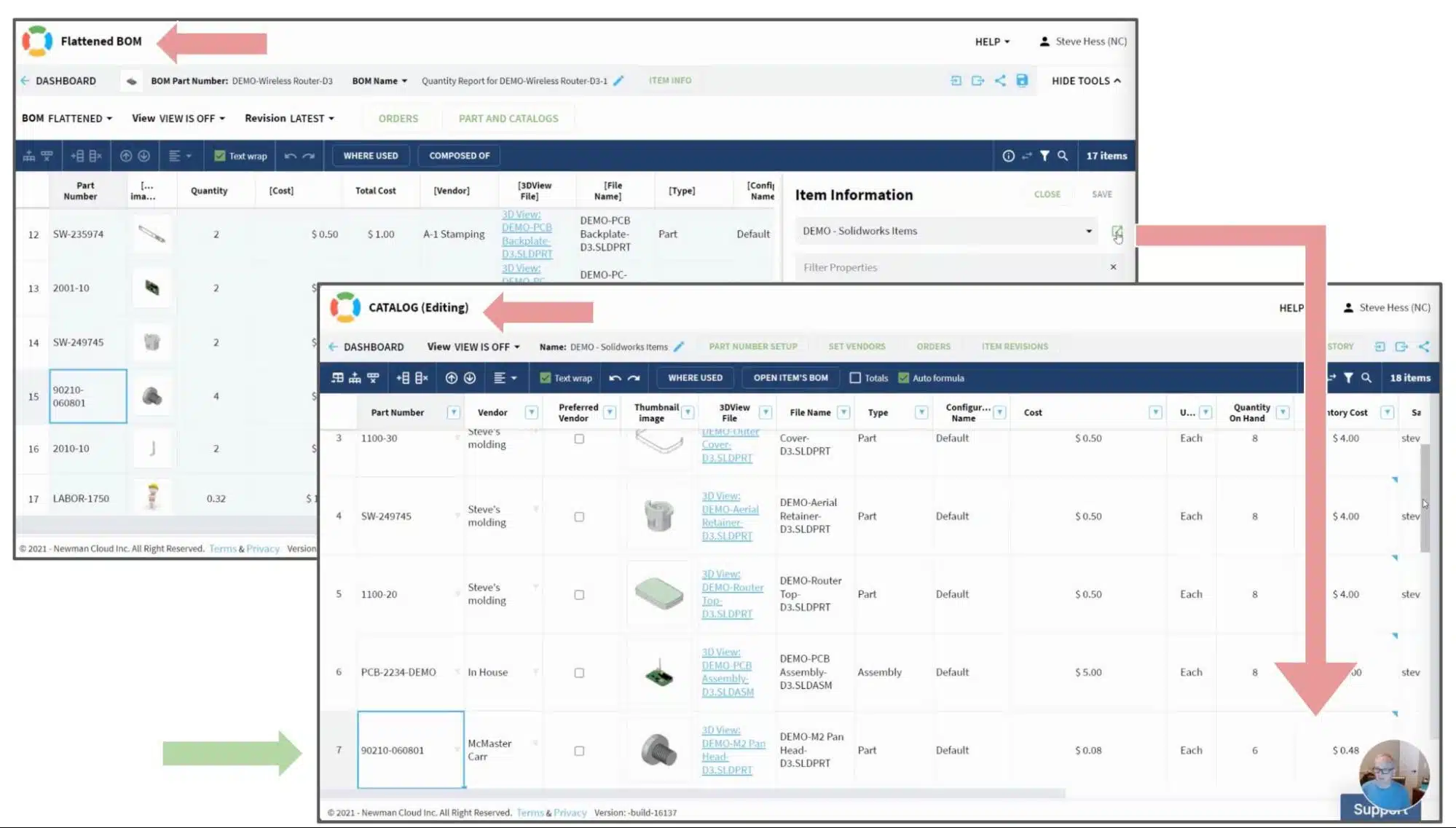
Keep in mind that BOMs and Catalogs are two fundamental data entities in OpenBOM. If you’re still unsure of your familiarity with that, check out OpenBOM basics online. You often need to navigate from the BOM, which is presented in the screenshot.

… to the catalog record of the same item. Which looks like this one.
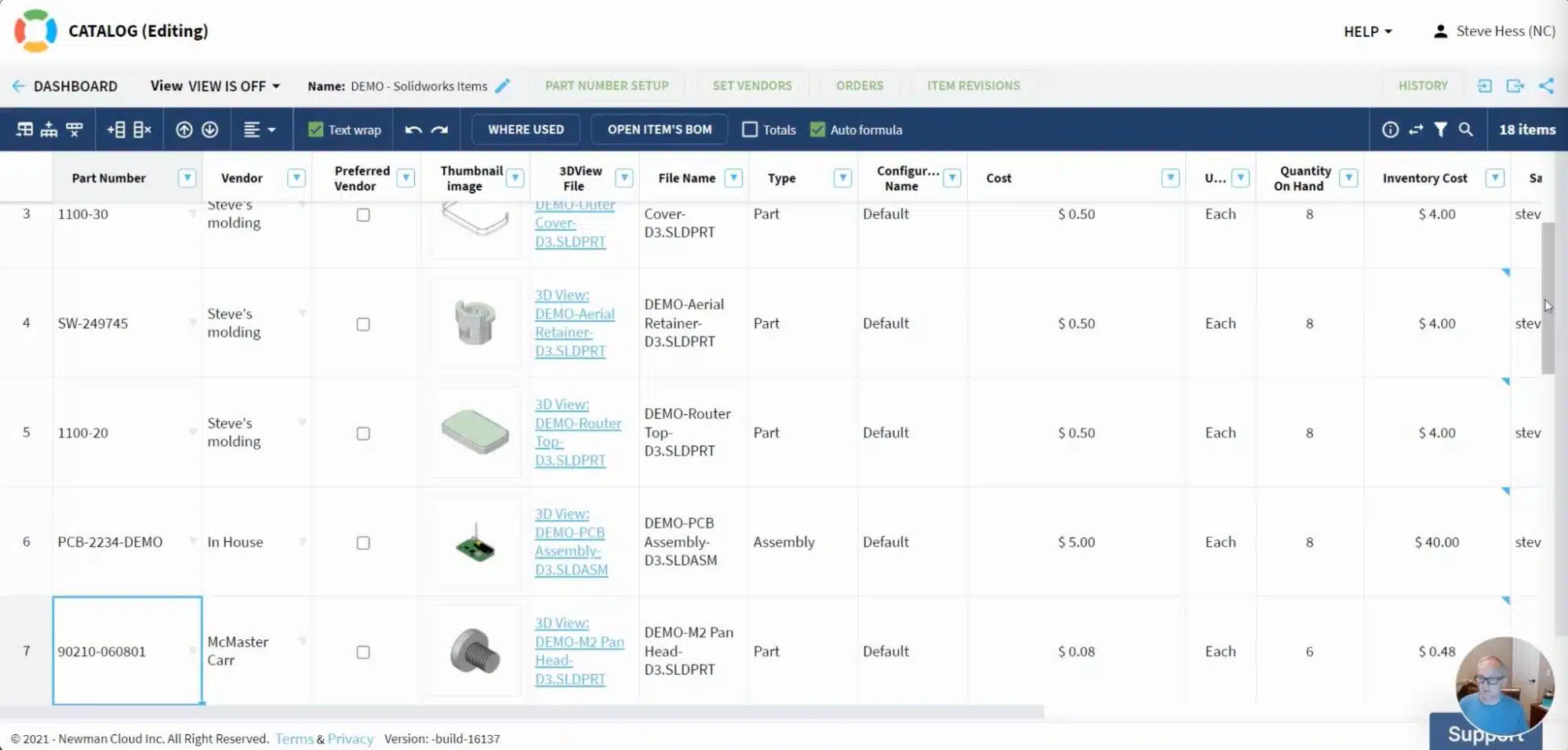
In the coming release, we make a small, but important enhancement to position the catalog to the record of the item you are navigating to. It will eliminate additional clicks of navigation and searching between items.
Check out the following video to see how it will work.
Conclusion
We are gradually improving small aspects of functionality in OpenBOM to achieve seamless data navigation and user experience. In the coming release, the navigation from BOM to Catalog will allow you to position the catalog on the item row you’re navigating to. It will simplify the user experience and support fast editing of the item data in the catalog. The change I presented today will be available in the next release in 2-3 weeks.
Check out what OpenBOM can do for you, REGISTER FOR FREE and start a free 14-day trial to check out all of OpenBOM’s functions.
Best, Oleg
Join our newsletter to receive a weekly portion of news, articles, and tips about OpenBOM and our community.