How did Abram Scientific replace spreadsheet chaos with seamless CAD and BOM integration using OpenBOM?
In product development—especially in medical devices—data is everything. Yet too often, the most critical design information lives in isolated CAD files, scattered spreadsheets, or outdated systems that can’t keep up. This lack of synchronization between design tools and downstream processes can derail even the best-engineered products.
Abrams Scientific, an innovative startup building point-of-care diagnostics for blood clotting, learned early that the key to scaling fast and staying compliant wasn’t just better engineering—it was building the right digital infrastructure from day one.
Their solution is to use OpenBOM. They like OpenBOM because it is a modern platform that synchronizes CAD design data and BOM structures automatically and supports connections with many other systems downstream, which eliminates the risk and overhead of manual data handling.
The Hidden Danger: Disconnected Design Files and BOM Spreadsheets
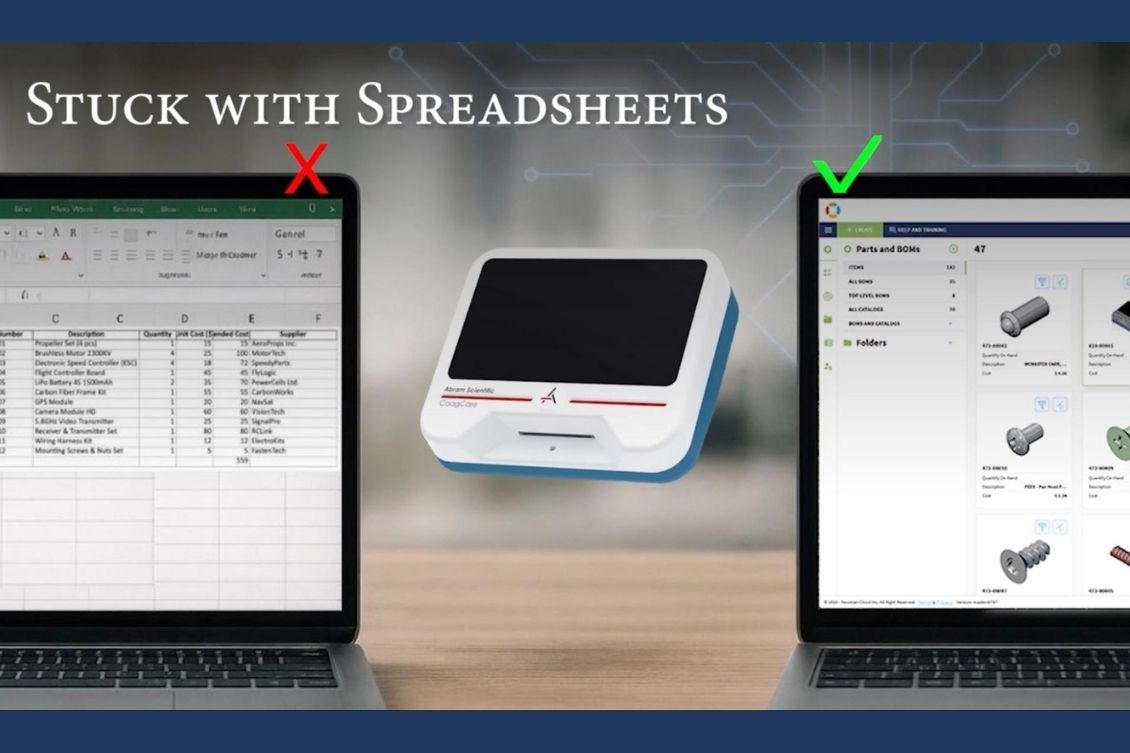
Most startups begin with what’s familiar—Excel. But soon enough, that quick fix becomes a liability. Files are copied and pasted. BOMs are updated manually. CAD designs and parts lists fall out of sync.
“Many early-stage medical companies get stuck in spreadsheets,” says Richard Wiard, VP of Engineering at Abram Scientific. “It feels like you’re moving quickly, but in reality, you’re losing control—versioning breaks down, collaboration suffers, and it gets harder to trust your data.”
As a veteran PLM user—including years administering Arena Solutions—Richard knew the risks of relying on manual tools. He also knew what traditional PLM couldn’t solve: real-time synchronization between CAD files, BOMs, and downstream systems.

OpenBOM: Built for Seamless CAD-to-BOM Integration
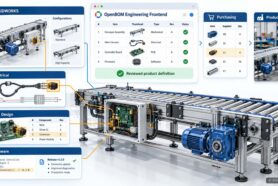
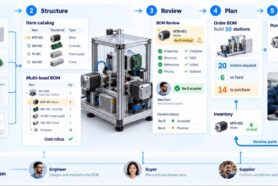
What drew Abram Scientific to OpenBOM was its deep integration with design tools—both for CAD file management and for automatically generating multi-level Bills of Materials (BOMs) directly from design data.
“OpenBOM is a state-of-the-art, modern PLM tool,” says Richard. “It delivers the flexibility we need, it’s easy to use, and most importantly, it integrates and synchronizes our PLM data seamlessly with our design systems.”
Here’s what that looks like in practice:
✅ Automatic BOM Generation from CAD
Whether working in MCAD or ECAD, engineers at Abram design their product as usual—and OpenBOM captures the structure and properties automatically. No exporting, no retyping, no syncing errors.
✅ CAD File Control and Revision Management
With OpenBOM’s Workspace Manager, Abram can manage native CAD files with version history, track revisions, and attach supporting documentation. Everything is centralized and accessible via the browser.
✅ One Source of Truth for Design Data
Engineers, procurement, and compliance teams access the same synchronized data set. When a design changes, OpenBOM updates the BOM and files automatically—no emails, no guesswork.
Eliminating the Disconnect: CAD, BOM, and Quality in Sync
The vision of Abram Scientific is to connect design, quality, and production planning. OpenBOM became the connective tissue between all these systems.
They integrated OpenBOM with their CAD tools and future connectivity with the requirements management system and QMS used by Abram is the key. This proactive move created a unified product backbone—ensuring that designs, BOMs, revisions, and supporting files are always aligned.
“The ability to connect our design environment with our engineering is what really makes OpenBOM valuable,” Richard explains.
In the highly regulated world of medical devices, where audit trails, traceability, and validation are mandatory, this synchronization gives Abram both speed and control.
Why Design Synchronization Matters (Especially in Medical Devices)
🔄 No More Copy/Paste BOMs
OpenBOM extracts BOM data directly from CAD assemblies—eliminating human error and hours of manual updates.
📁 Controlled File Storage and Access
All CAD files and supporting documents live in OpenBOM with full version history, permissions, and traceability.
🌐 Cloud-Native and Collaborative
Engineers and stakeholders work together in real time from any location using a secure, browser-based interface.
📈 Scalable Without Overhead
OpenBOM’s SaaS model allows startups to access enterprise-grade data control without hiring consultants or waiting months to implement.
Data-Driven from Day One: Abram Strategic Advantage
By focusing early on design data control and synchronization, Abram Scientific avoided the pitfalls of fragmented tools and unstable processes.
Instead of fighting spreadsheet chaos or wrestling with disconnected systems, they created a repeatable, scalable foundation that supports their compliance needs and rapid growth.
🎥 Watch Richard Wiard of Abram Scientific share the full story
Conclusion: Don’t Let Your CAD Data Drift
If you’re still managing BOMs in Excel and storing CAD files on a shared drive, your project is at risk. In today’s complex, regulated product development environment, design data synchronization is not optional—it’s essential.
OpenBOM offers a modern, scalable way to:
- Automatically extract and update BOMs from CAD
- Manage and revise CAD files securely in the cloud
- Ensure team-wide access to synchronized, accurate data
- Connect engineering with quality and procurement systems
For Abram Scientific, that means faster development, fewer mistakes, and confidence heading into production. For your team, it could mean the difference between staying in control—or falling behind.
REGISTER FOR FREE to check how OpenBOM can help you.
Best, Oleg
Join our newsletter to receive a weekly portion of news, articles, and tips about OpenBOM and our community.