Education and training are part of the user experience. Working with thousands of companies at OpenBOM, we learned that, knowledge is one of the most critical elements in customer success. Knowledge helps to transform processes, adopt new methods of work. Knowledge and education help companies to move from old ‘analog’ methods of data management with Excels, emails, manual copy/paste to a digital transformation helping to streamline data processing, information handover between people and processes.

At OpenBOM, our Training Library is a central place where you can learn about the OpenBOM platform as well as best practices of working with new SaaS tools, data integrations, process management, and many others.
OpenBOM Training Library Updates
We are continuously bringing new and updated content to OpenBOM Training Library. Training Library Free Courses page contains an amazing set of materials that can help you to learn how to use OpenBOM.

Earlier this week, we made a lot of changes and uploaded new training materials, so I wanted to share new content with you and give you recommendations about what to use.
Here are three important updates and new training materials I wanted to share with you:
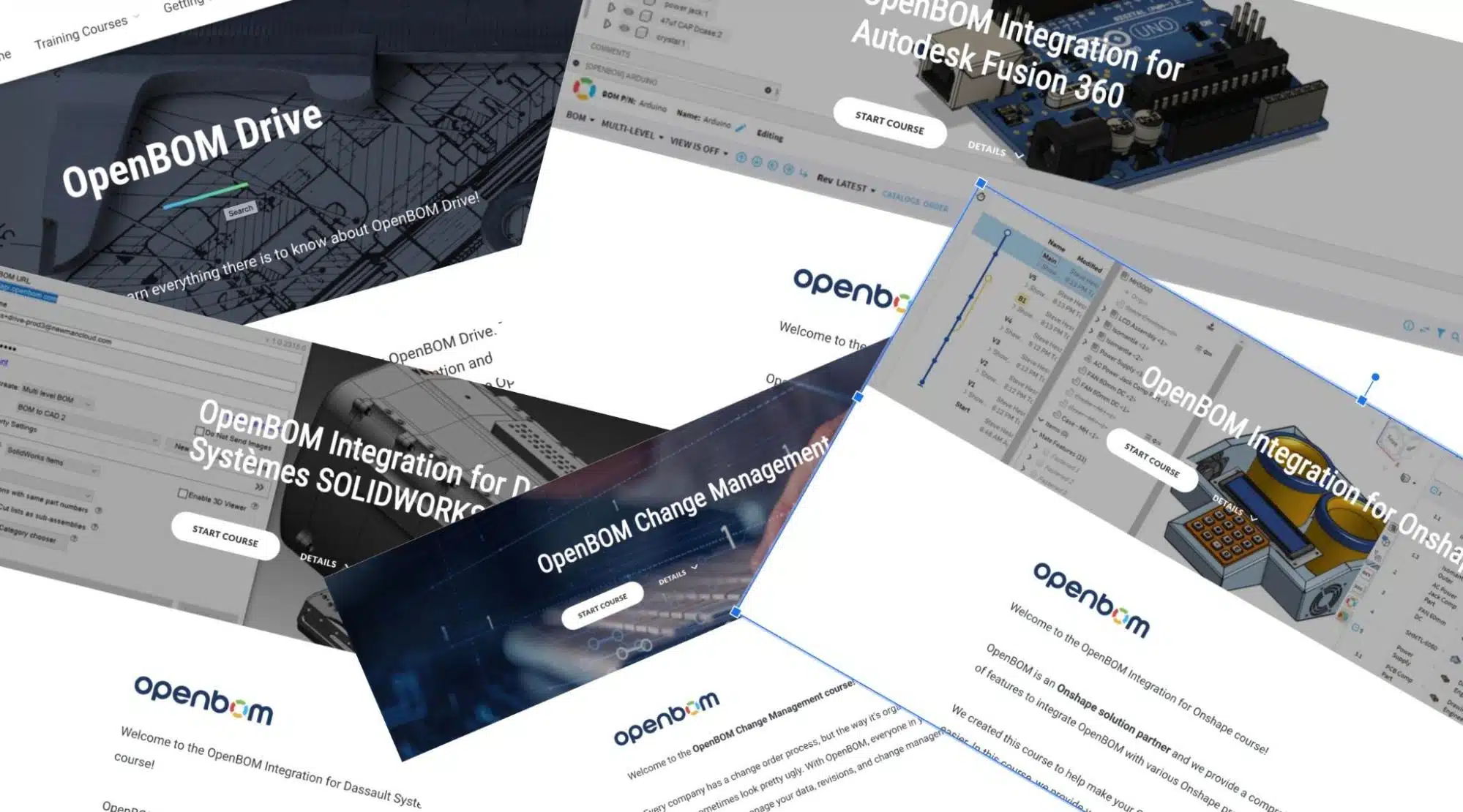
- CAD Integrations Page and Training
- Change Management Documentation and Training Course
- OpenBOM Drive Documentation Page
CAD Integration Training
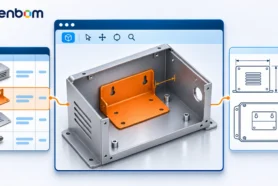
We are introducing a special set of training courses for popular CAD integrations. After working with many customers, we learned what materials and resources are needed to successfully implement and use CAD add-ins. It requires a set of information about each CAD system, some important settings, and best practices on how to capture data and files.
In our documentation update, we introduced 5 dedicated training courses for the most popular CAD systems: Dassault Systemes SOLIDWORKS, Autodesk Fusion360, Onshape, Altium Designer, and Autodesk Inventor.
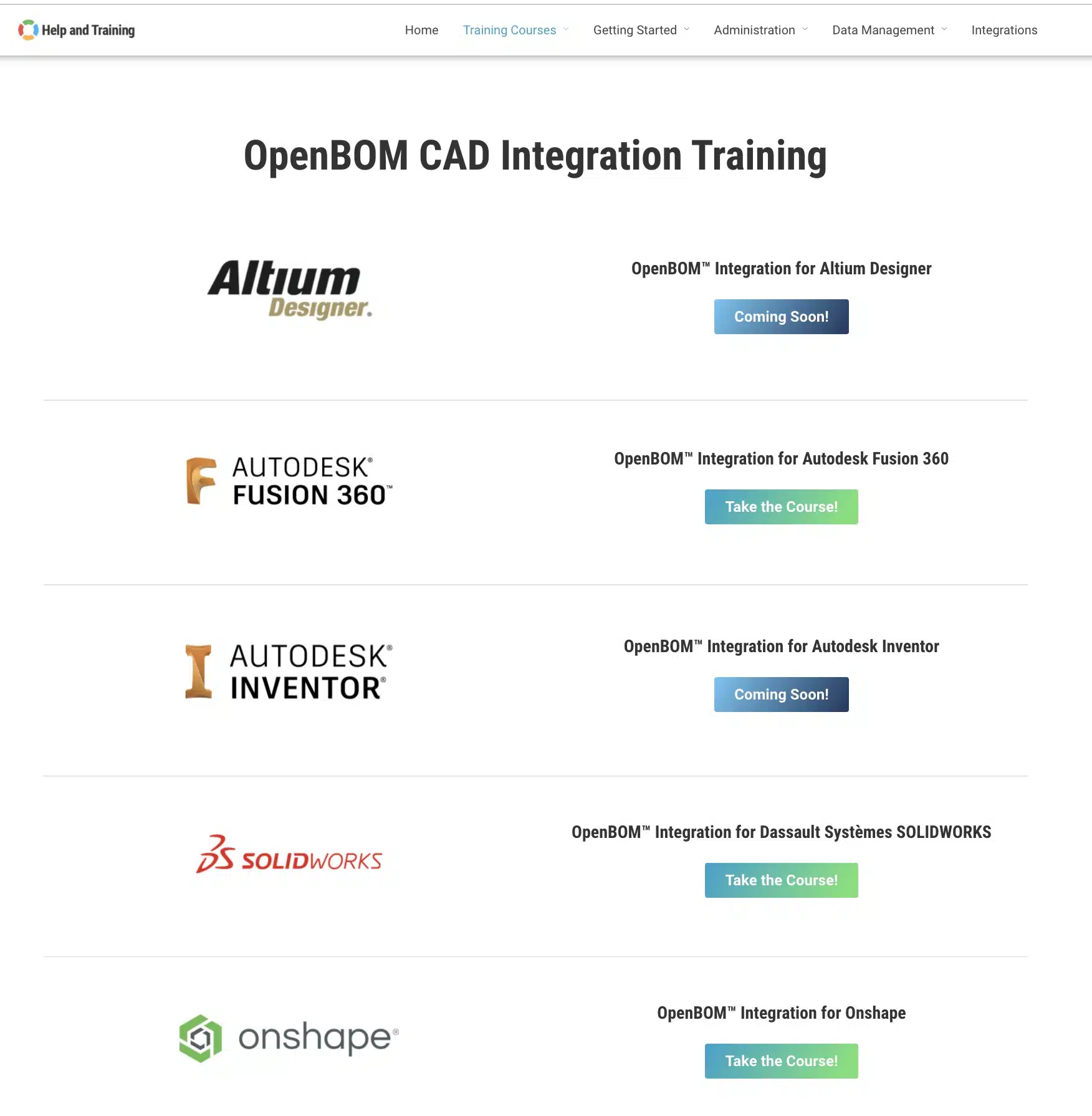
Three courses are available immediately followed by three more courses later next week. Stay tuned.
Change Management Training
OpenBOM change management was substantially enhanced with the introduction of change orders and a collaborative approval workflow mechanism. Today, I’d like to introduce a new Change Management Training Course that gives you step by step instructions for change management best practices:
- Revision Control
- Change Requests
- Change Orders
- Approval Workflow
Check OpenBOM Change Management Course.
Drive Documentation
Our latest addition to the family of OpenBOM services – Drive allows you to organize a virtual file vault, manage versions, provide 3D viewers, share and collaborate between engineers. Check for OpenBOM Drive document, videos, and examples of use here.
Conclusion
Online education resources are part of the OpenBOM user experience. From the first touch of OpenBOM website and registration, OpenBOM online training library provides a rich set of resources – documentation, videos, training libraries to help you to explore and learn OpenBOM, how to manage product information, organize change process and use all features, functions, and integrations.
REGISTER FOR FREE to check how OpenBOM can help you.
Best, Oleg
Join our newsletter to receive a weekly portion of news, articles, and tips about OpenBOM and our community.