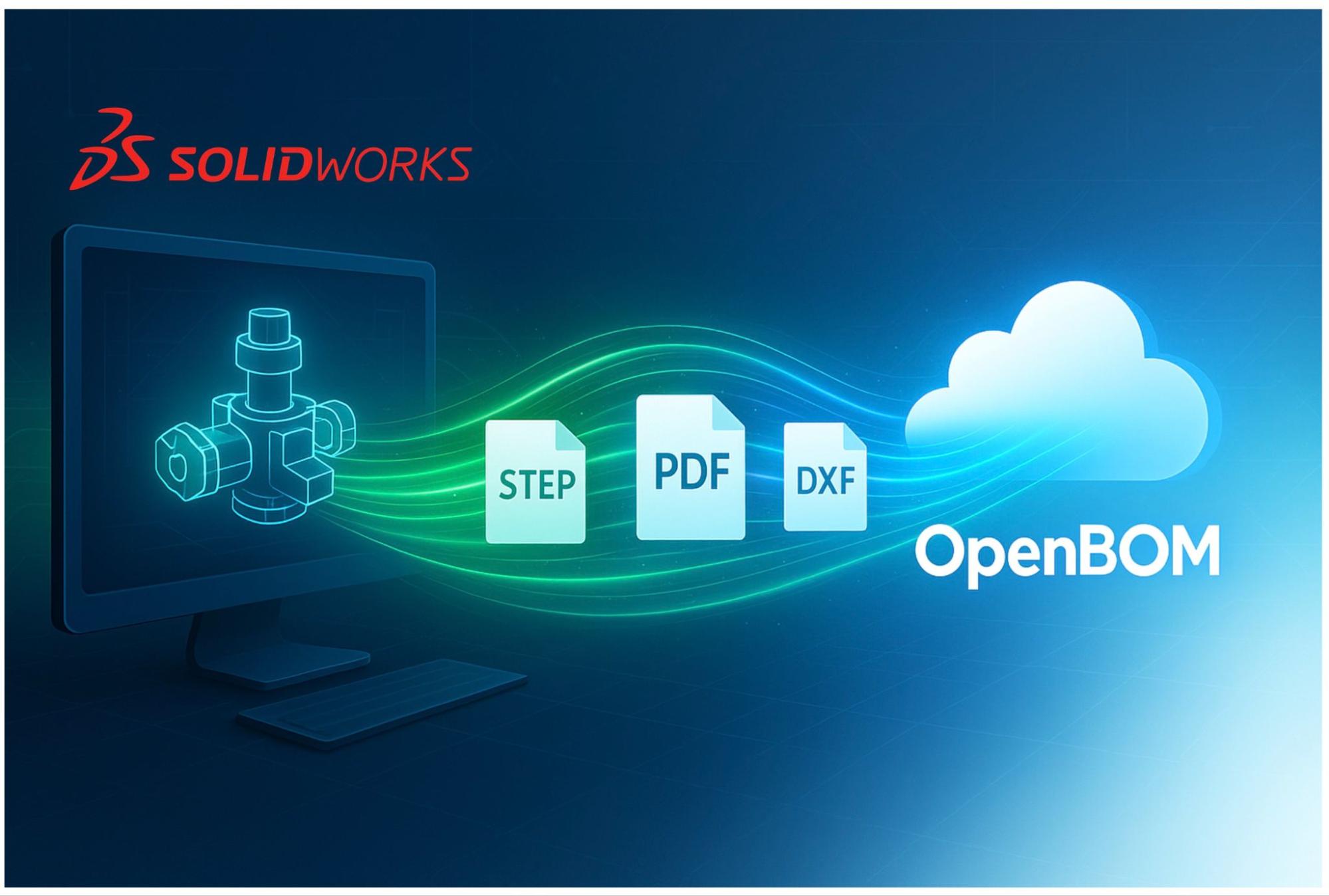
I’m excited to share how recent improvements in OpenBOM are streamlining CAD-to-Cloud workflows for faster, cleaner BOM data.
In the world of product development, speed and reliability are everything. Engineers expect their tools to move as fast as they think—and no one wants to wait for file uploads or deal with clunky synchronization processes. That’s why at OpenBOM we’ve been developing technologies that optimize communication between the desktop and the cloud.
At the heart of these efforts is OpenBOM SmartSync—our foundational technology for high-performance data transfer between local environments and the OpenBOM cloud. We’ve been using SmartSync for a while to power PDM, file management, and collaborative workflows, but today we’re excited to show you how the same technology drives the seamless upload of derivative files (like STEP, STL, PDFs, DXFs, etc.) directly from your CAD desktop to the OpenBOM cloud.
Why SmartSync Matters
Traditionally, moving BOM data and derivative files from CAD applications to the cloud involved multiple steps: exporting files manually, uploading them via a web UI, and hoping that the transfer was fast and reliable. These friction points often slowed down the design-to-manufacturing handoff.
SmartSync changes that.
- It optimizes file transfers behind the scenes, automatically identifying what has changed and only sending the delta.
- It minimizes bandwidth usage, allowing large assemblies and derivative formats to move blazingly fast to the cloud.
- Most importantly, the whole process is completely transparent to the user—you just keep designing in your CAD environment while SmartSync does the heavy lifting.
SmartSync in Action: Derivative Files from CAD to Cloud
We recently extended SmartSync to manage derivative file uploads directly from desktop CAD environments such as Solidworks. Now, when you generate neutral-format outputs like STEP, PDF, or DXF, SmartSync ensures these files are immediately and efficiently synchronized to OpenBOM’s cloud repositories, ready for downstream use by procurement, manufacturing, or suppliers.
This means:
- No more manual exports and uploads.
- No more waiting for giant files to crawl across the network.
- No more uncertainty about whether the latest derivative files are in the cloud.
It’s all fast, seamless, and reliable—exactly what busy engineering teams need.
🎥 Demo Video: Solidworks Add-In with SmartSync
Watch the video with the demo
In this video, you’ll see our OpenBOM for Solidworks add-in in action. Watch as SmartSync transfers derivative files from the CAD desktop to the OpenBOM server in real-time. Notice how effortless it feels—the engineer simply clicks a button, and SmartSync does the rest.
Conclusion: Try OpenBOM for SolidWorks
SmartSync is more than just a file-syncing tool—it’s an important technology that ensures OpenBOM delivers speed, transparency, and reliability when moving critical product data between desktop and cloud.
If you’re a Solidworks user looking to streamline your BOM and derivative file workflows, now is the perfect time to check out OpenBOM for Solidworks.
👉 Learn more and start your free OpenBOM trial here
Best, Oleg
Join our newsletter to receive a weekly portion of news, articles, and tips about OpenBOM and our community.