

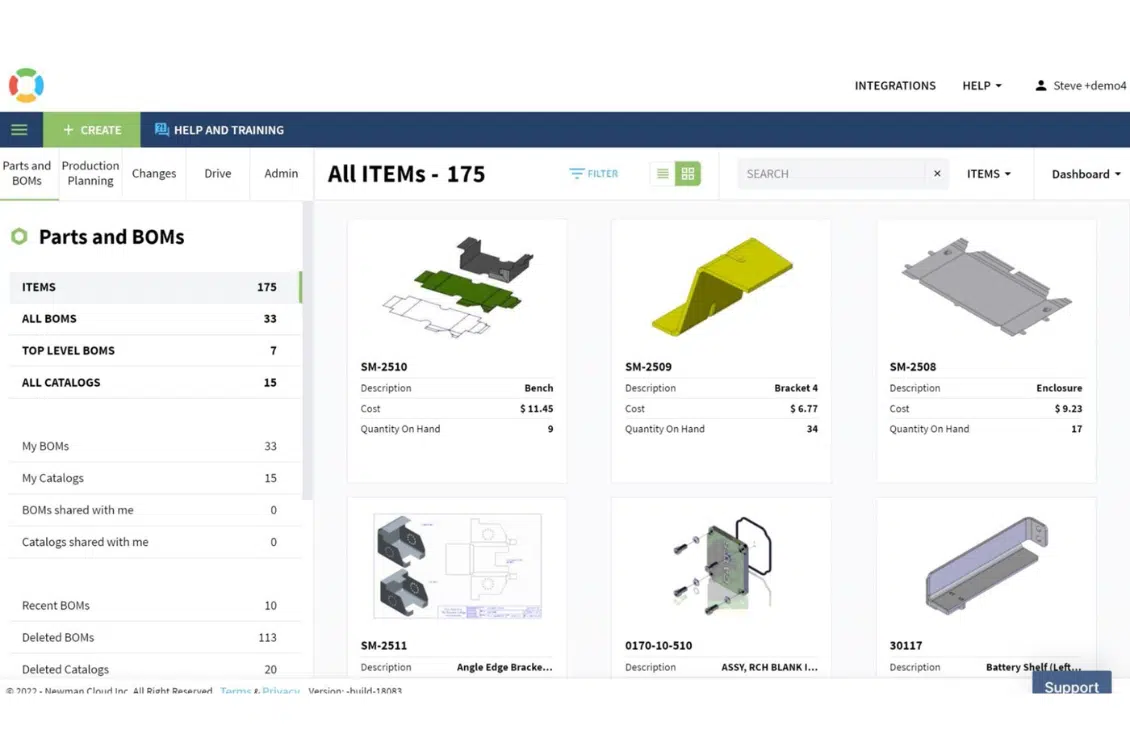
We are continuing to unveil the OpenBOM video demo series. In the previous video, you were able to get a quick review of OpenBOM, to cover what is OpenBOM architecture and how it can help any engineering and manufacturing organization.
Today’s videos will be focusing on key elements of OpenBOM data management:
- Data models
- Catalogs
- Item Management
- Bill of Materials
Items, Catalogs, and BOMs
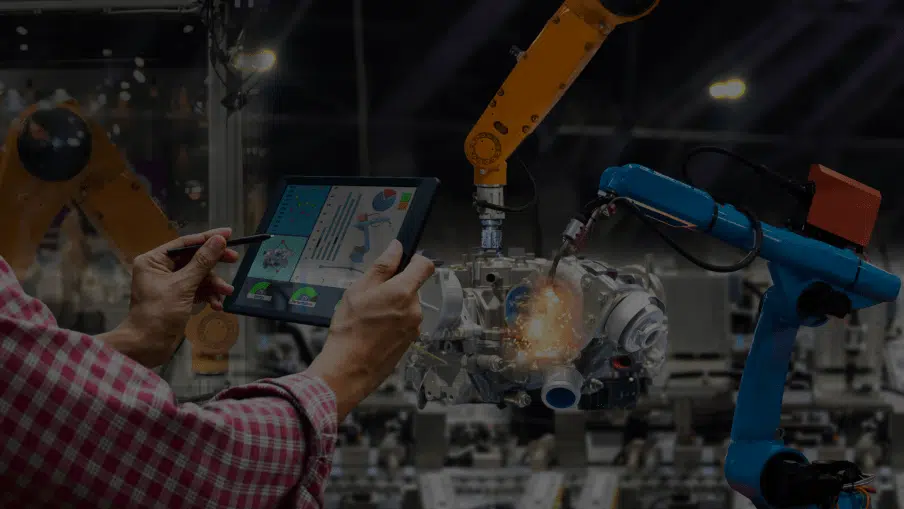
The foundation of OpenBOM is the ability to manage Items and Product Structure. Together, they create a core data model. Items are managed using catalogs data management system to create a classification of everything that can be manufactured or purchased.
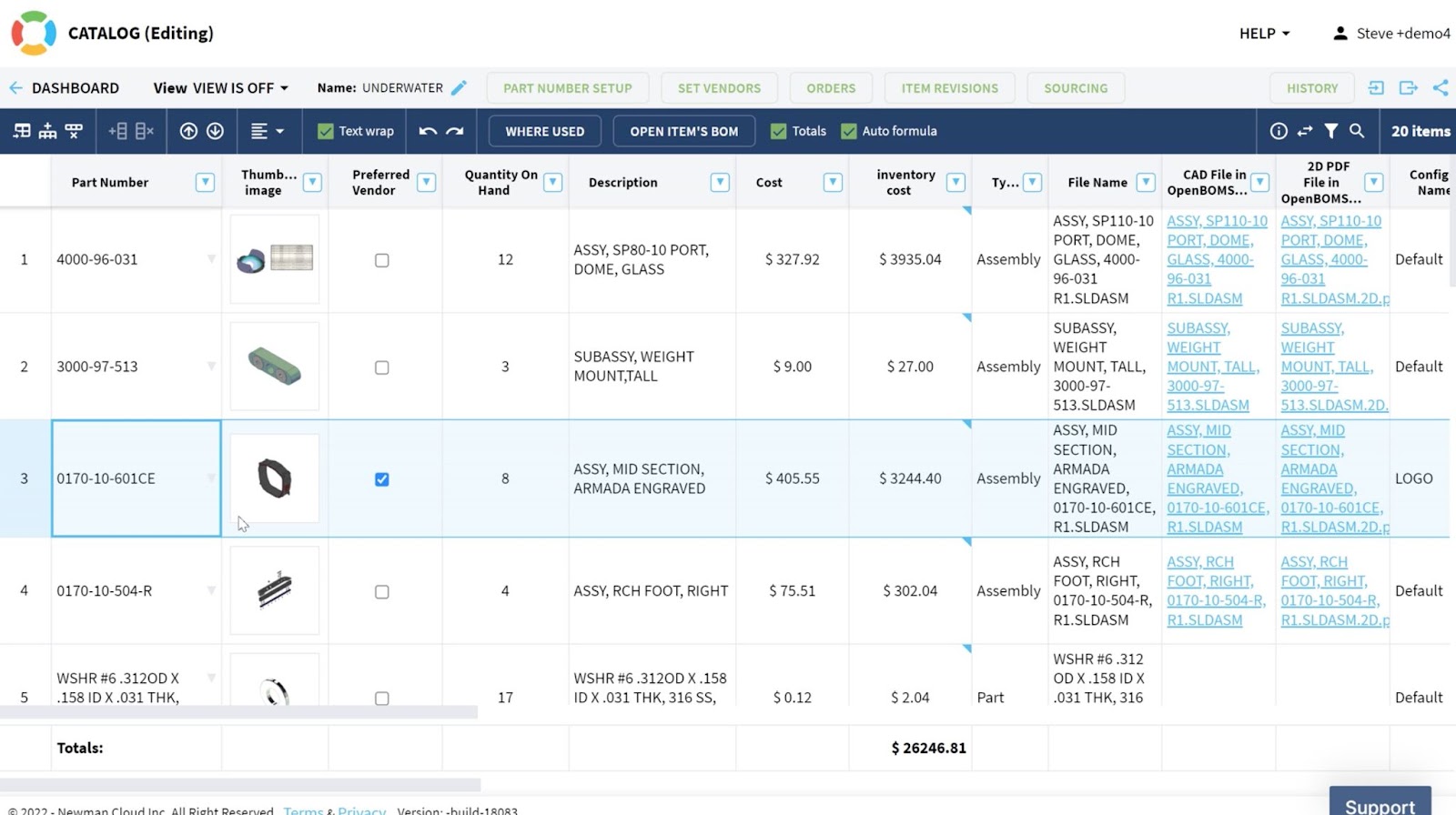
OpenBOM allows you to organize items with all needed attributes (we call them properties).
The Bill of Materials (or Product Structure) is the mechanism to manage specific assemblies, sub-assemblies, and everything they might include that is needed to build a product. OpenBOM is managing a multi-disciplinary bill of materials structure capable of bringing together mechanical, electronic, and software components together.
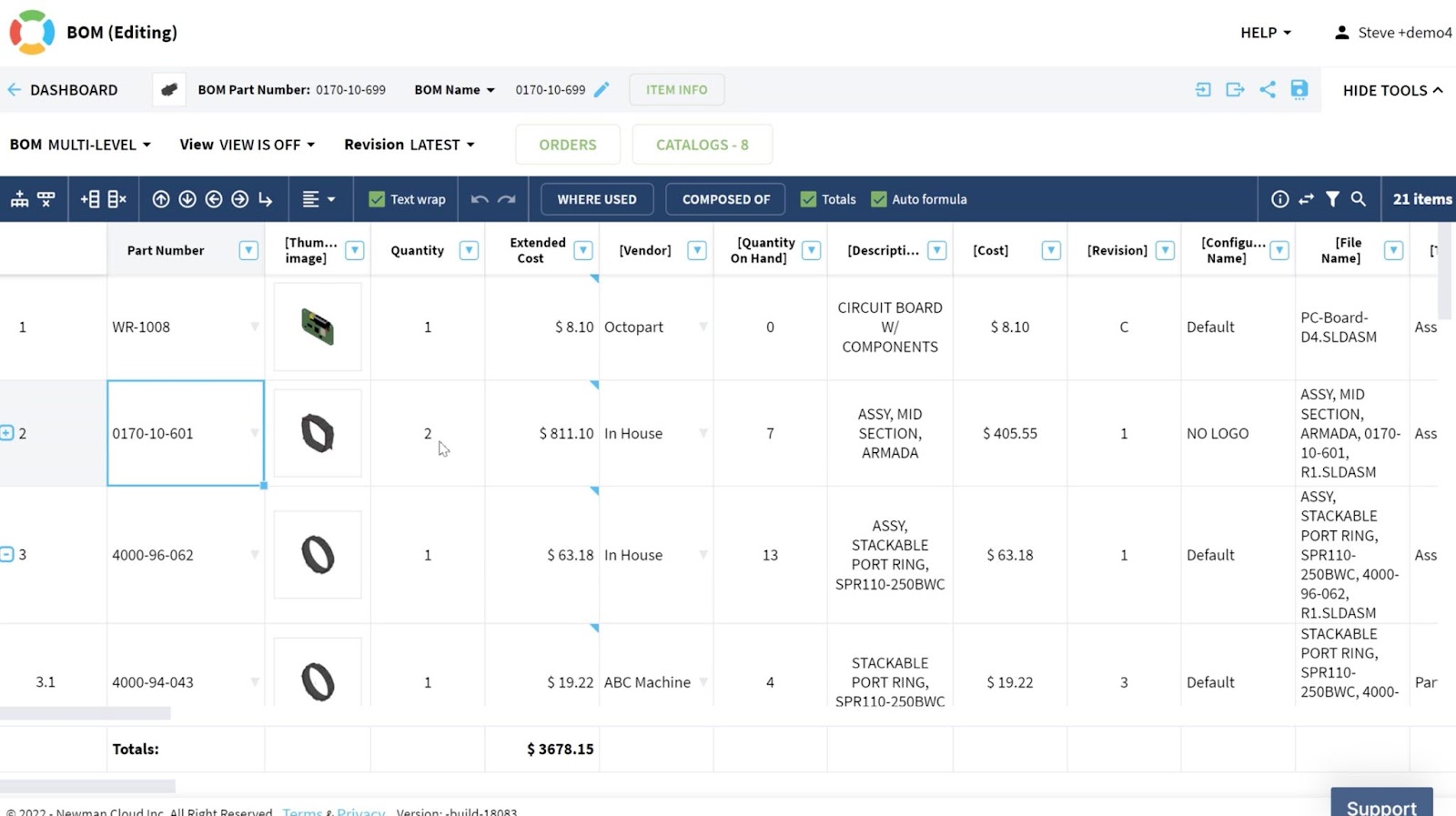
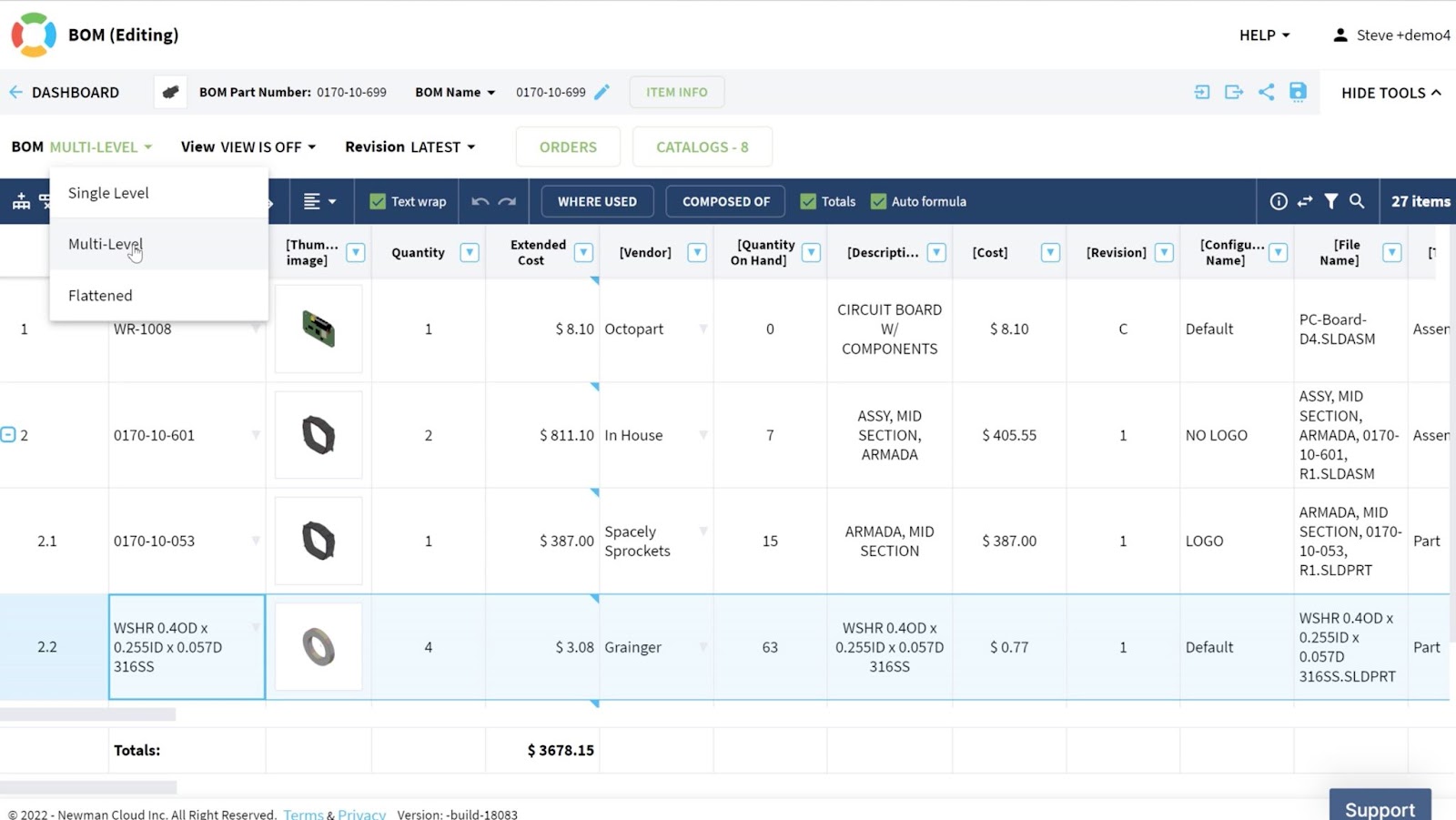
Basic BOM visualization includes three modes – (1) single-level; (2) multi-level and (3) flattened. Altogether they allow you to slice and dice information in a variety of forms.
Video 2: Items and BOMs
In the following video, we describe the foundation of OpenBOM. Check this video about Items and BOMs.
Video 3: Items Management
In this video, we give you a more broad and more detailed perspective on what Items are and how OpenBOM allows you to create a comprehensive database of information about all components, materials, assemblies, and products. It also highlights a high level of OpenBOM data model flexibility.
Other videos from OpenBOM Demo Series
- Video 1: Introduction
- Video 2: Data Model, Catalogs, and BOMs
- Video 3: Item Management
- Video 4: CAD integrations
- Video 5: Importing your data
- Video 6: Formulas and calculations
- Video 7: Types of BOMs
- Video 8: Change Management
- Video 9: Purchasing and Planning
- Video 10: Enterprise Integrations
Conclusion:
We are bringing an introductory video series to help everyone learn about OpenBOM. This video course gives you a full experience of learning about OpenBOM from watching videos. These 10 videos will give you a great perspective on what OpenBOM can do, its differentiators, and key features.
REGISTER FOR FREE and start a free 14-day trial to check how OpenBOM can help you today.
Best, Oleg
Join our newsletter to receive a weekly portion of news, articles, and tips about OpenBOM and our community.








