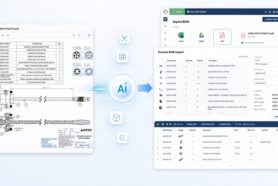
Sending information downstream is one of the biggest challenges in engineering and manufacturing organizations. Producing spreadsheets and sending them to procurement teams is an easy step, but it can quickly become a nightmare of engineering.
Updates, clarifications, details, and many other reasons that lead to the need of recreating the Excel sheet lead to major headaches.
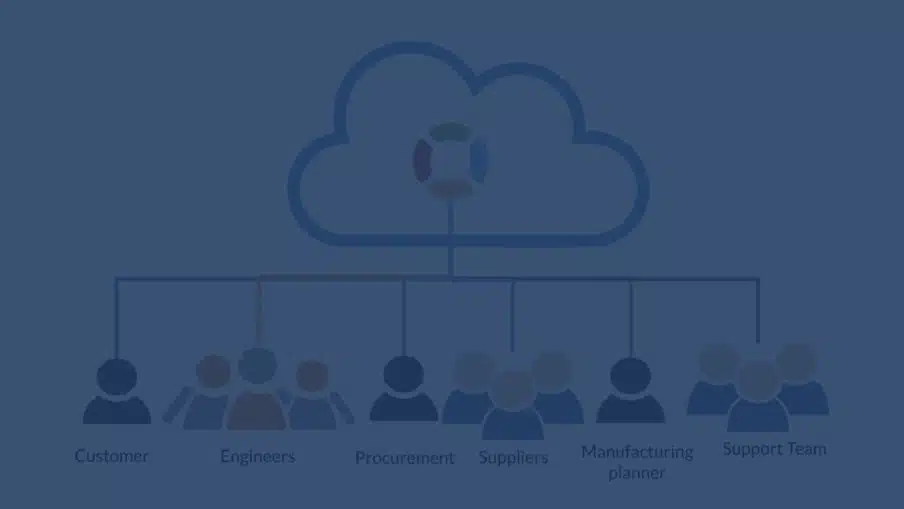
Digital Transformation and Seamless Information Flow
Digital transformation is a high priority for many companies these days. To make digital transformations companies should start thinking of how to move from the old paper-driven processes, by doing so they will eliminate multiple entries of the same information, and exclude manual tasks when the information flows from one place to another.
At OpenBOM we take a different approach by allowing our users to share information in real-time, but also by providing integrations with downstream systems.
Advanced Quickbooks Export
I’m super excited to share a modified version of Quickbooks export from the OpenBOM PO screen allowing you to send a preselected list of properties to QBO applications. The new functionality does not only allow you to have a setup of what properties to send but also supports the process of creating Inventory Items in QBO.
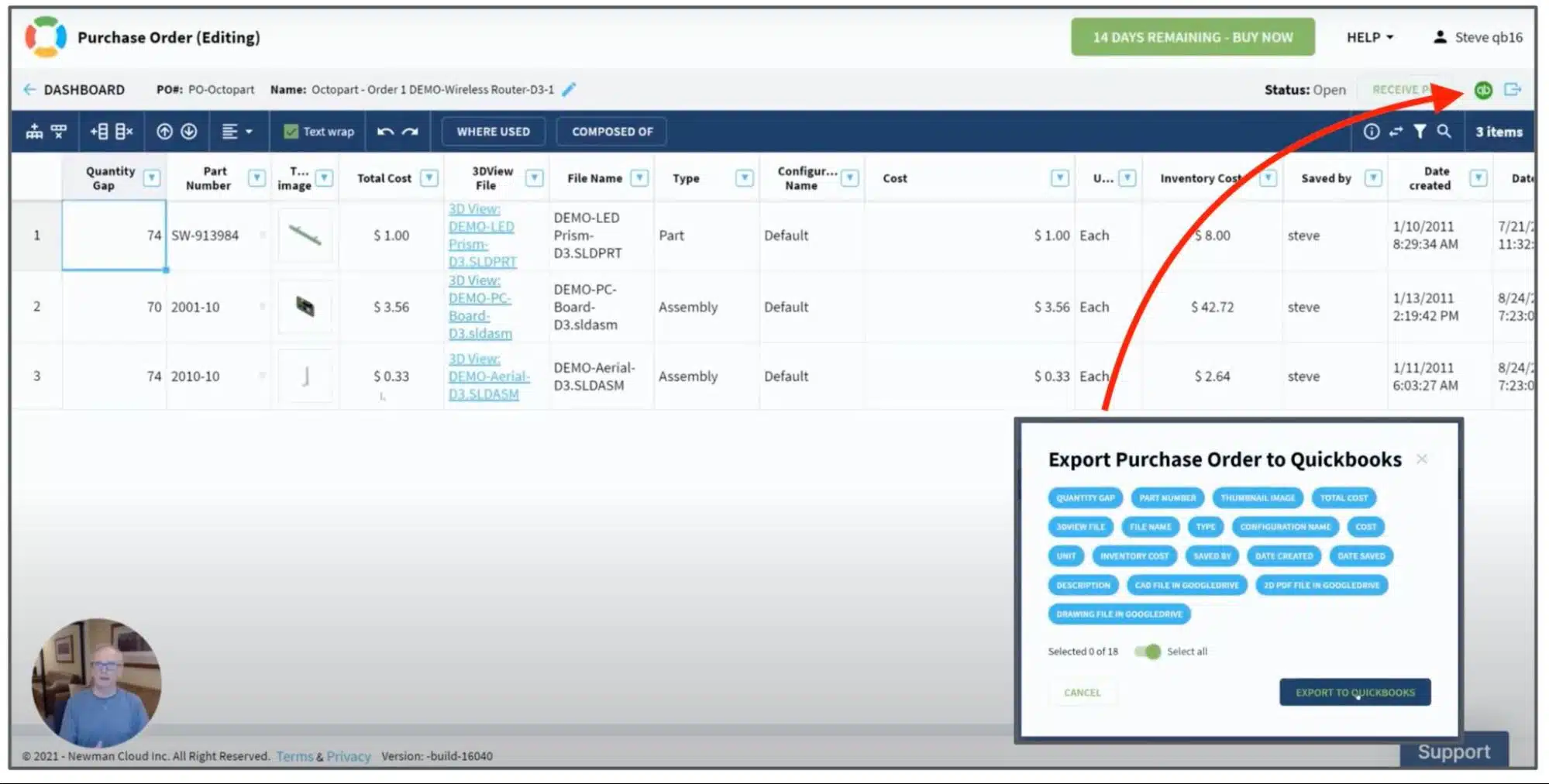
The data is passed to Quickbooks and you can see PO with all the information and also items created with properties that go to QB Items directly from the OpenBOM catalog.
VIDEO Demo
Check out the following video with a sample scenario and additional instructions.
Conclusion
OpenBOM’s and Quickbooks integration allows you to streamline the flow of procurement information. The information about items is managed in a centralized location using OpenBOM catalogs and includes all the information needed. The PO is driven by Bill of Materials created from the design and the transfer of information from OpenBOM to QBO is fully automated.
Check out what OpenBOM can do for you – REGISTER FOR FREE and start your 14-day trial of all our features and functions. Note – you need to have a company subscription trial to test Quickbooks.
Best, Oleg
Join our newsletter to receive a weekly portion of news, articles, and tips about OpenBOM and our community.