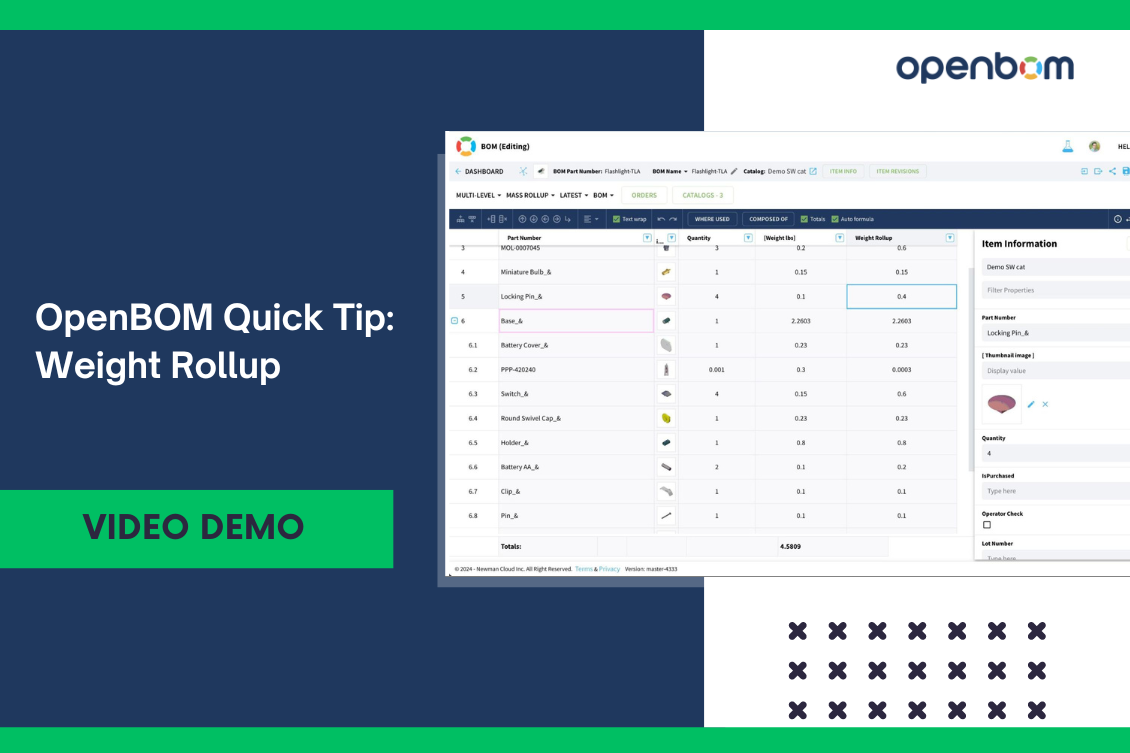
In today’s manufacturing world, precise calculations and data analysis are crucial for success. From cost and weight to compliance, having accurate data at your fingertips can make all the difference. OpenBOM provides an easy and efficient way to calculate these important metrics based on any data you have. In this quick tip, I’ll show you how it works in just three simple steps.
OpenBOM Formula Rollup
The Formula Rollup feature in OpenBOM is a powerful tool that can calculate anything from the bottom up. It sums all values with corresponding quantities across all levels of your Bill of Materials (BOM). Whether it’s cost, weight, or any other metric, OpenBOM ensures you get precise and accurate calculations.
Defining the Calculation Formula
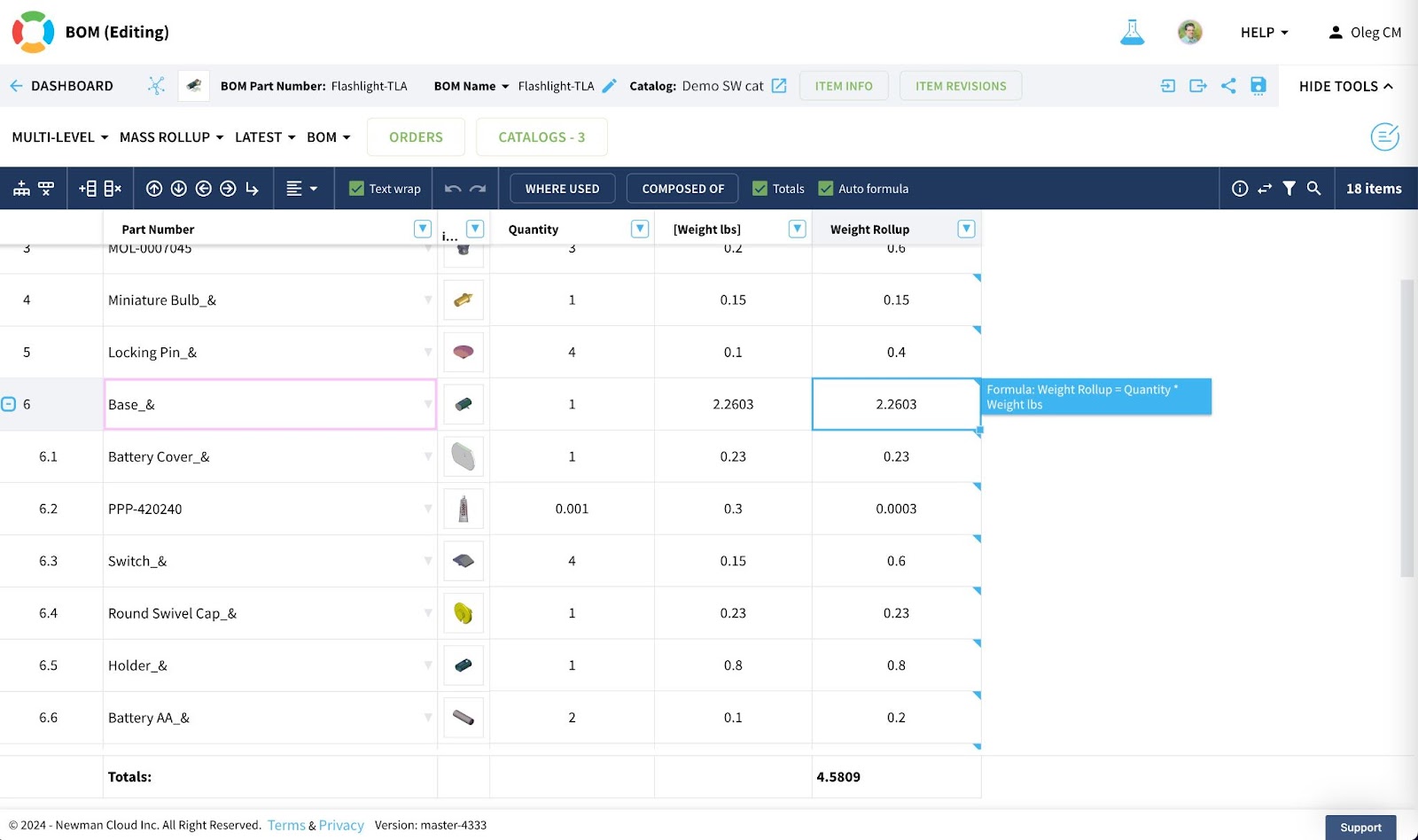
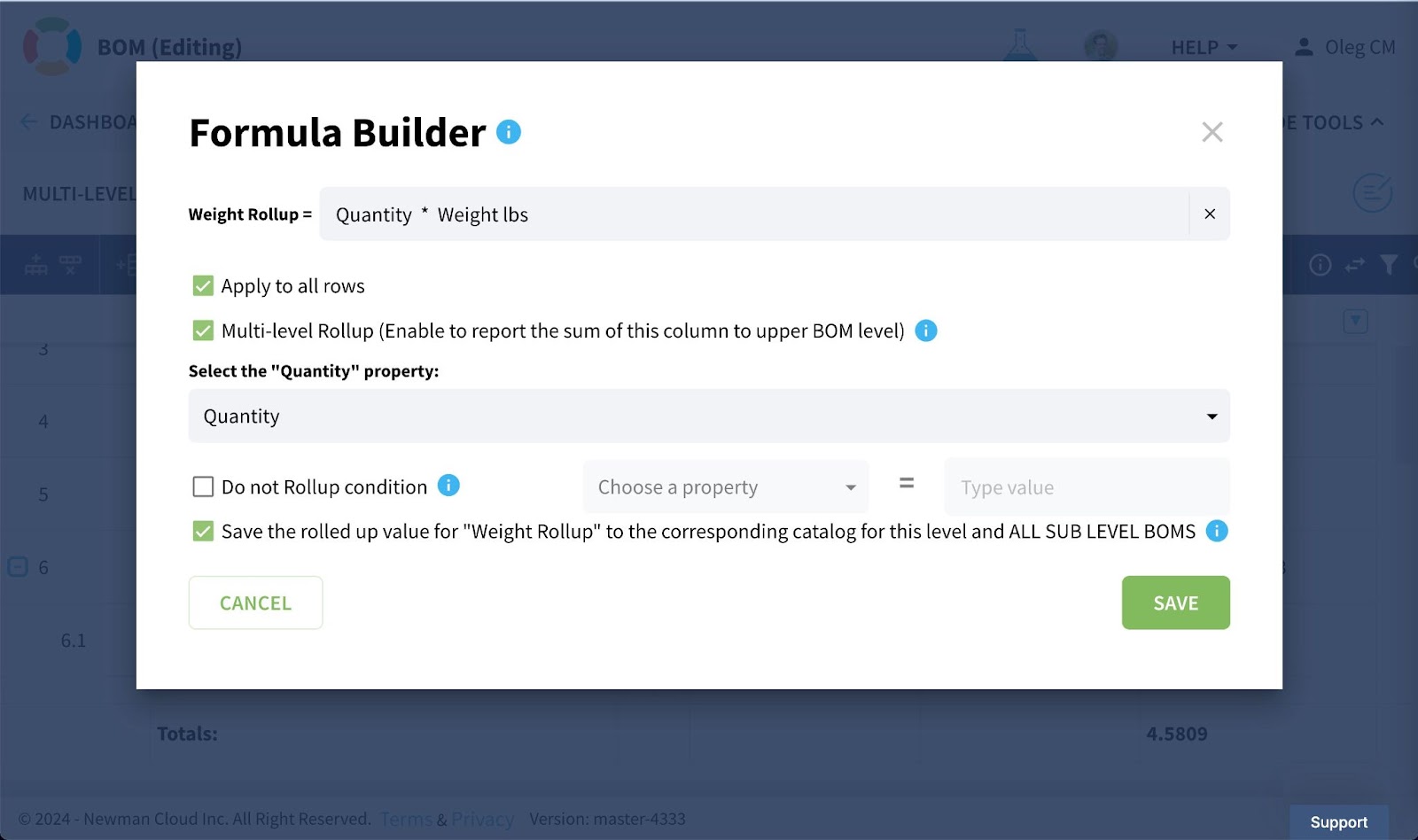
Let’s imagine you have a component weight and a BOM with quantities. To calculate the total weight of each component, you can define a simple formula. For example, Calc Weight = Component Weight * Quantity. By adding the rollup option, OpenBOM will automatically sum these calculated weights across all levels of your BOM, giving you a comprehensive total weight.
Watch the Demo
To see this in action, check out the video demonstration where we walk you through the process step by step. You’ll see how easy it is to set up and use the weight rollup feature in OpenBOM, ensuring you get the data you need quickly and accurately.
Quick Tip: Isolate Data with User-defined Views
A small but powerful tip: you can use OpenBOM’s user-defined views to isolate the specific data you need for your weight rollup. This makes it even easier to focus on the most important metrics and ensure your calculations are precise.
Conclusion
OpenBOM offers a super flexible and easy-to-use platform for calculating and rolling up any data you need. Whether it’s weight, cost, or compliance, OpenBOM has you covered. REGISTER FOR FREE and see for yourself how OpenBOM can streamline your data analysis and calculations!
Best, Oleg
Join our newsletter to receive a weekly portion of news, articles, and tips about OpenBOM and our community.