

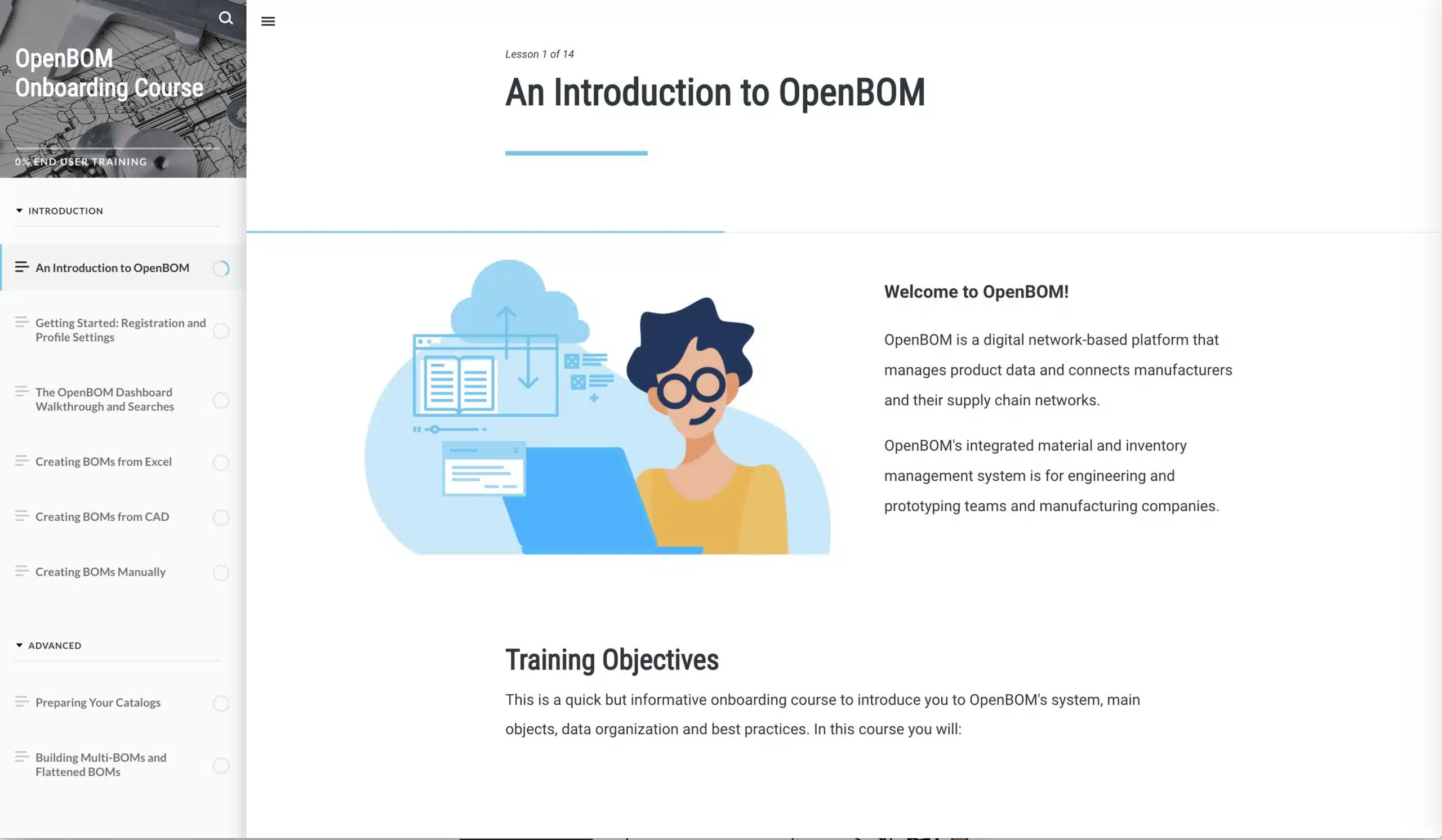
Great news for all our new and existing users looking for better learning resources. Many of our users and customers told us about the importance of providing self-user guidance and training resources. You asked about step-by-step instructions and help you to learn OpenBOM faster? Today you can do us.
In addition to the online OpenBOM Training Library, we are so happy to announce the release of our new Onboarding Course at help.openbom.com with step-by-step instructions. This new resource is an individually paced multi-step learning resource which will take you from the very beginnings of creating an account and using OpenBOM, onto best practices for import and CAD integrations, through advanced topics such as multi-level BOMs and formulas, Collaboration and Change Management, Production Planning and Reports, and finally Team and Company account management.
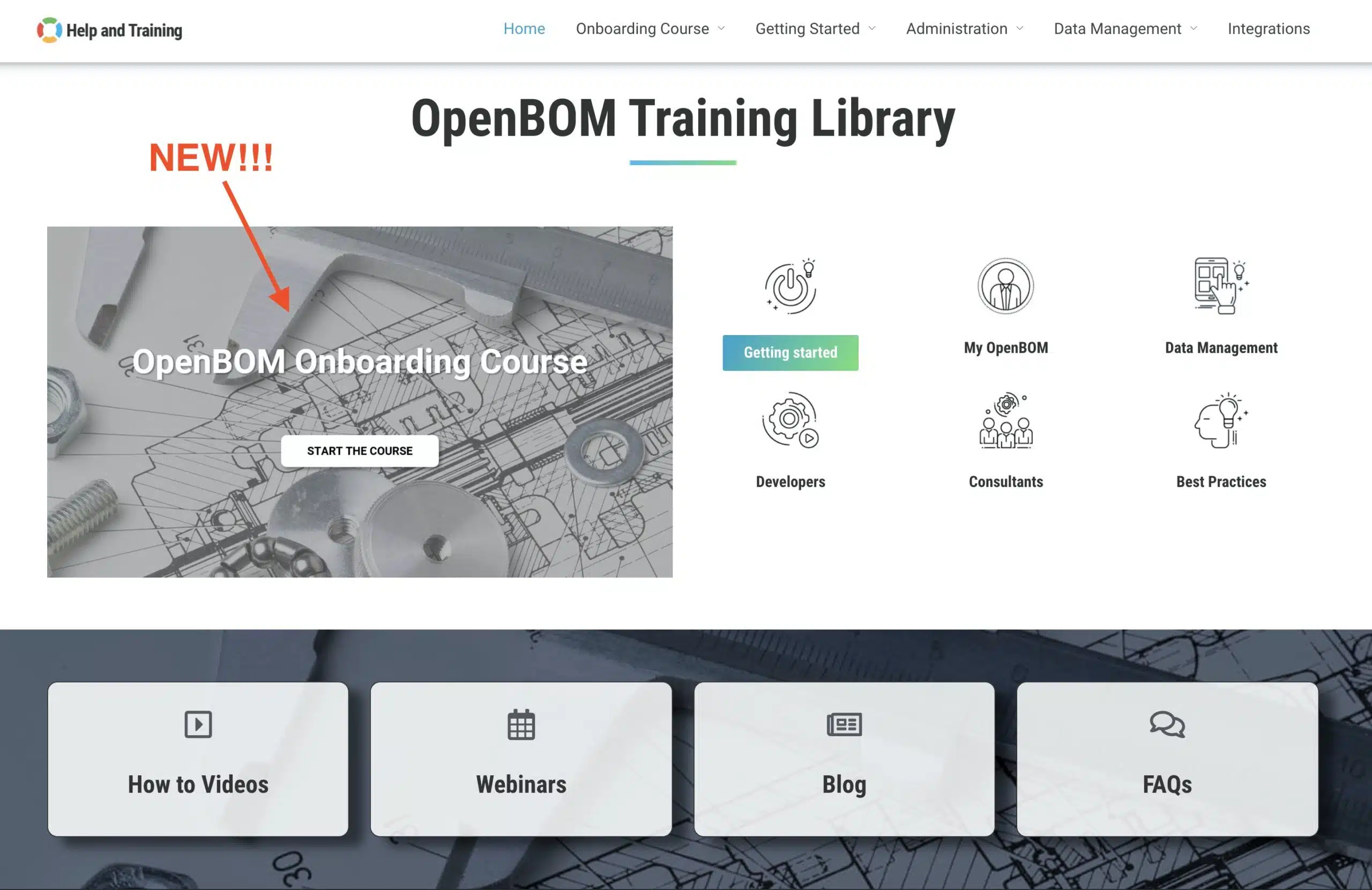
The course can be accessed via our training library main screen.
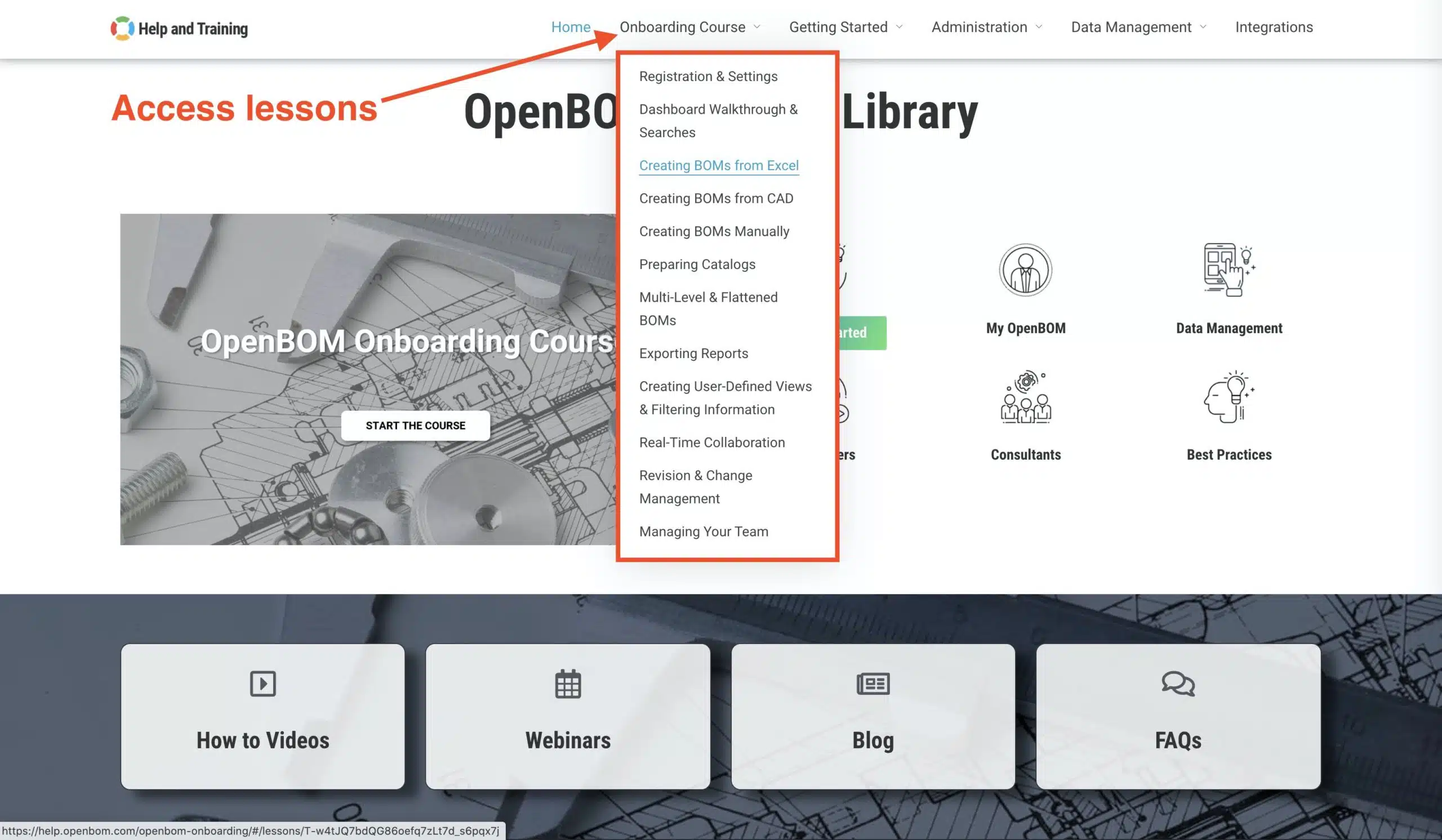
The new Onboarding Course is also available on the OpenBOM landing page under “Help and Training”. You can also access each specific lesson separately.
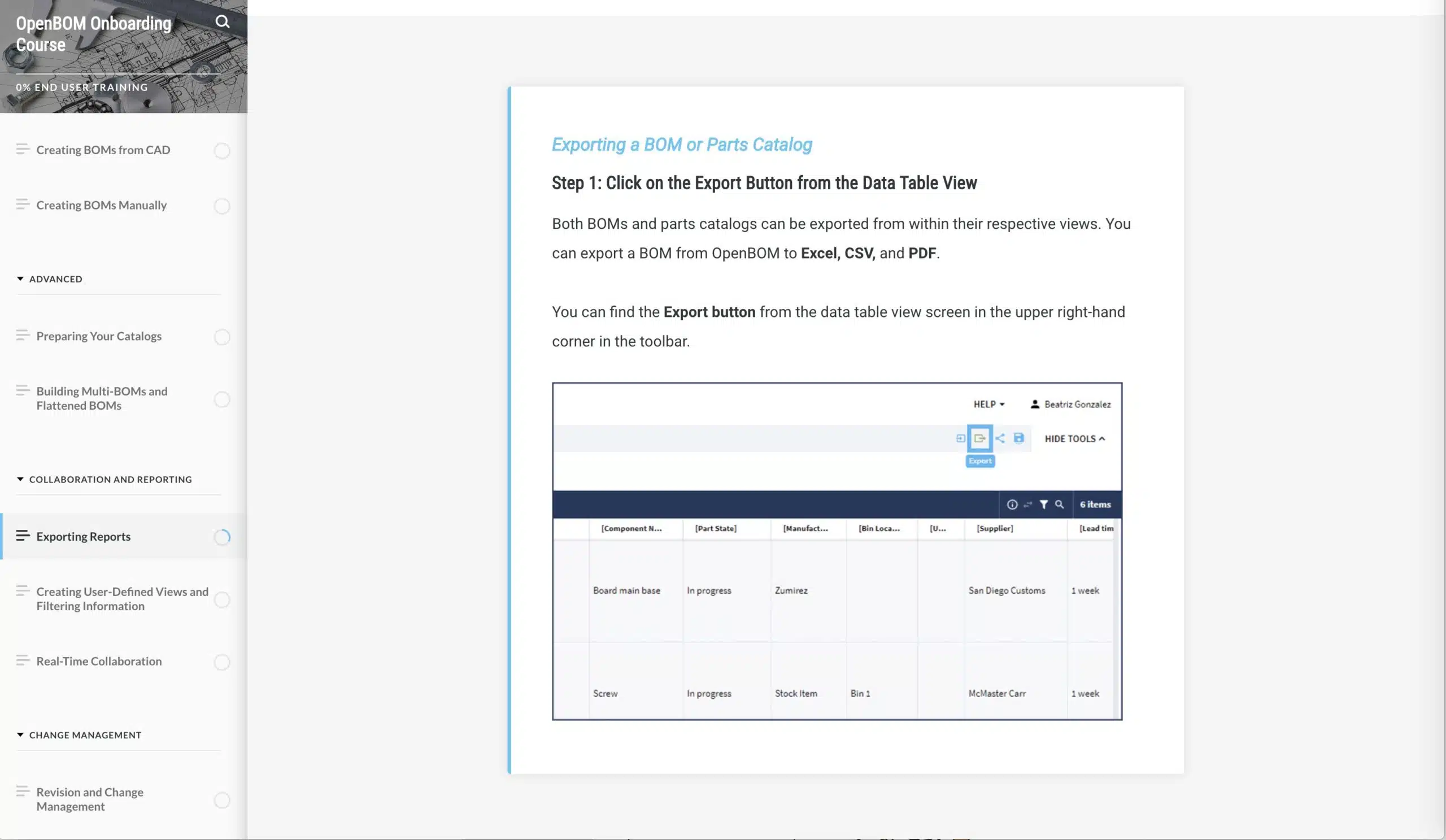
Inside the course, you have separate lessons with detailed descriptions of how to operate the OpenBOM user interface and specific functions.
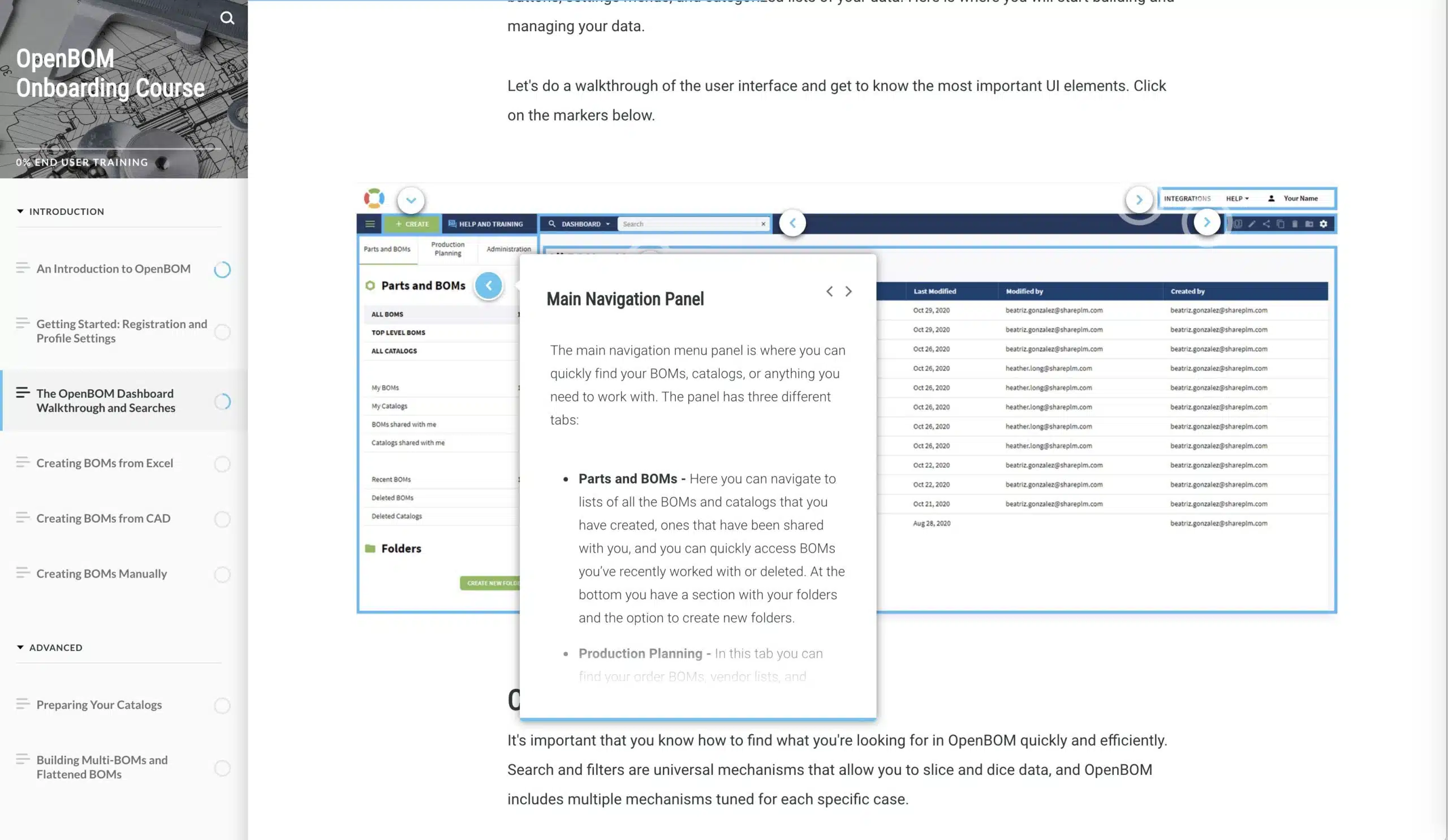
We also provide step-by-step instructions for the application workflows.
Conclusion
The new onboarding training course is a great experience for new users and also for customers who are looking to improve their knowledge about OpenBOM and learn new functions. We are looking forward to providing more training materials next year. Check this out and tell us what do you think?
Meantime, you can check what OpenBOM does by registering for FREE and start a 14-days FREE professional trial just by clicking the button. If you already have an OpenBOM account, just click on the “Start Trial” button. No subscription, no annual commitment, and no credit card needed to try it out.
Best, Oleg @ openbom.com
Want to learn more about PLM? Check out my Beyond PLM blog and PLM Book website. Read OpenBOM customer reviews on G2 Crowd to learn what customers are saying about OpenBOM.
Join our newsletter to receive a weekly portion of news, articles, and tips about OpenBOM and our community.








