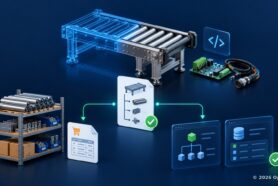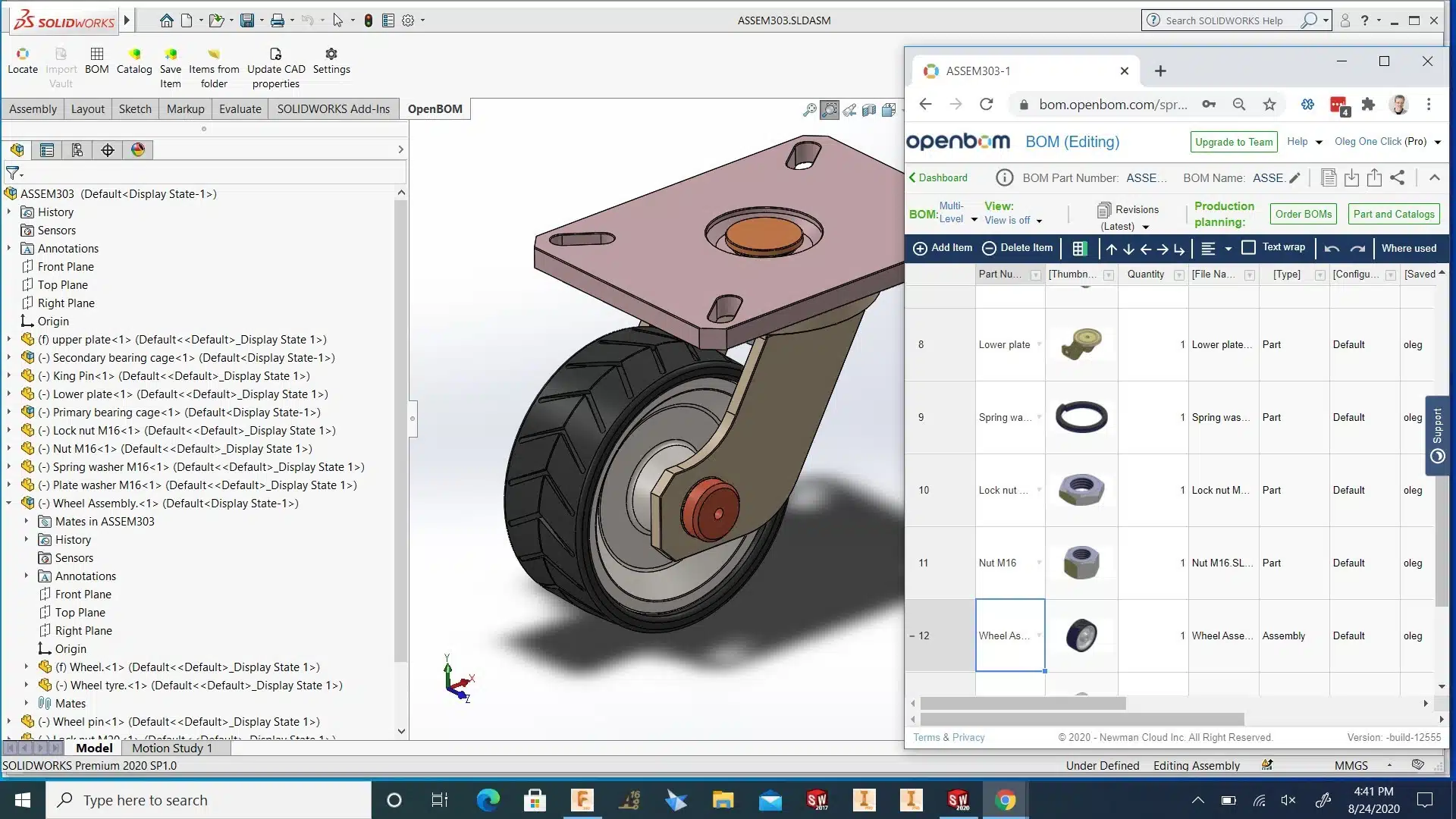
If you followed our webinar sessions, I’m sure you attended a series of best practices webinars about how to use OpenBOM with Solidworks. Check them out in our Online Training Library. Check for the Webinars section.
Our webinar this week is Part IV of OpenBOM for Solidworks. The webinar will focus on how to maintain BOM created from Solidworks using OpeBOM. Updates, changes and all these tricky questions about “what if” will be covered in the webinar on Wednesday. You will have an opportunity to ask questions and to follow up on your specific use cases.
Wed, Aug 26th, 2020 2:00 PM – 3:00 PM EDT
This is part IV and the final webinar in the series Mastering Bills of Material from Solidworks with OpenBOM. We will cover maintaining and updating Solidworks BOMs with OpenBOM. How to: 1) incorporate CAD changes, 2) Creating a BOM revision, 3) Comparing BOM revisions
Conclusion
OpenBOM for Solidworks is second to none and provides an ultimate set of functions to create and maintain Bill of Materials and all related information from Solidworks, merge it with non-model data and shape the total set of product data. OpenBOM gives you a way to export files and upload it to connected cloud storage. The ultimate goal is to manage a centralized single version of truth about product information and keep doing it naturally synchronized with Solidworks design.
Check our how OpenBOM helps thousands of users and manufacturing companies to streamline data management, processes, and escape the legacy of Excel spreadsheets.
Best, Oleg @ openbom dot com.
Want to learn more about PLM? Check out my Beyond PLM blog and PLM Book website
Read OpenBOM customer reviews on G2 Crowd to learn what customers are saying about OpenBOM.
Join our newsletter to receive a weekly portion of news, articles, and tips about OpenBOM and our community.