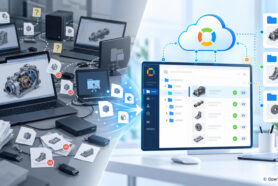
The formula is a powerful mechanism in OpenBOM, which allows you to perform various calculations. OpenBOM supports formulas in both catalogs and BOMs. These formulas have different purposes and can be applied differently.
Catalog formulas are useful to make calculations on a single item (eg. unit of measurement, cost, etc) and on an entire catalog (eg, cost of inventory). The last one is done using the catalog formula totals function. Bill of Materials formulas are more advanced and allow you to perform simple calculations with each BOM item line, but also to perform totals and rollup calculations.
The rollups are the most sophisticated because they are making calculations for the product structure (hierarchy) and capable to roll up totals from the lower level of BOM up for all levels. Read more about OpenBOM formulas in our online training library here.
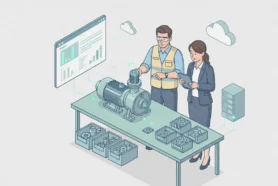
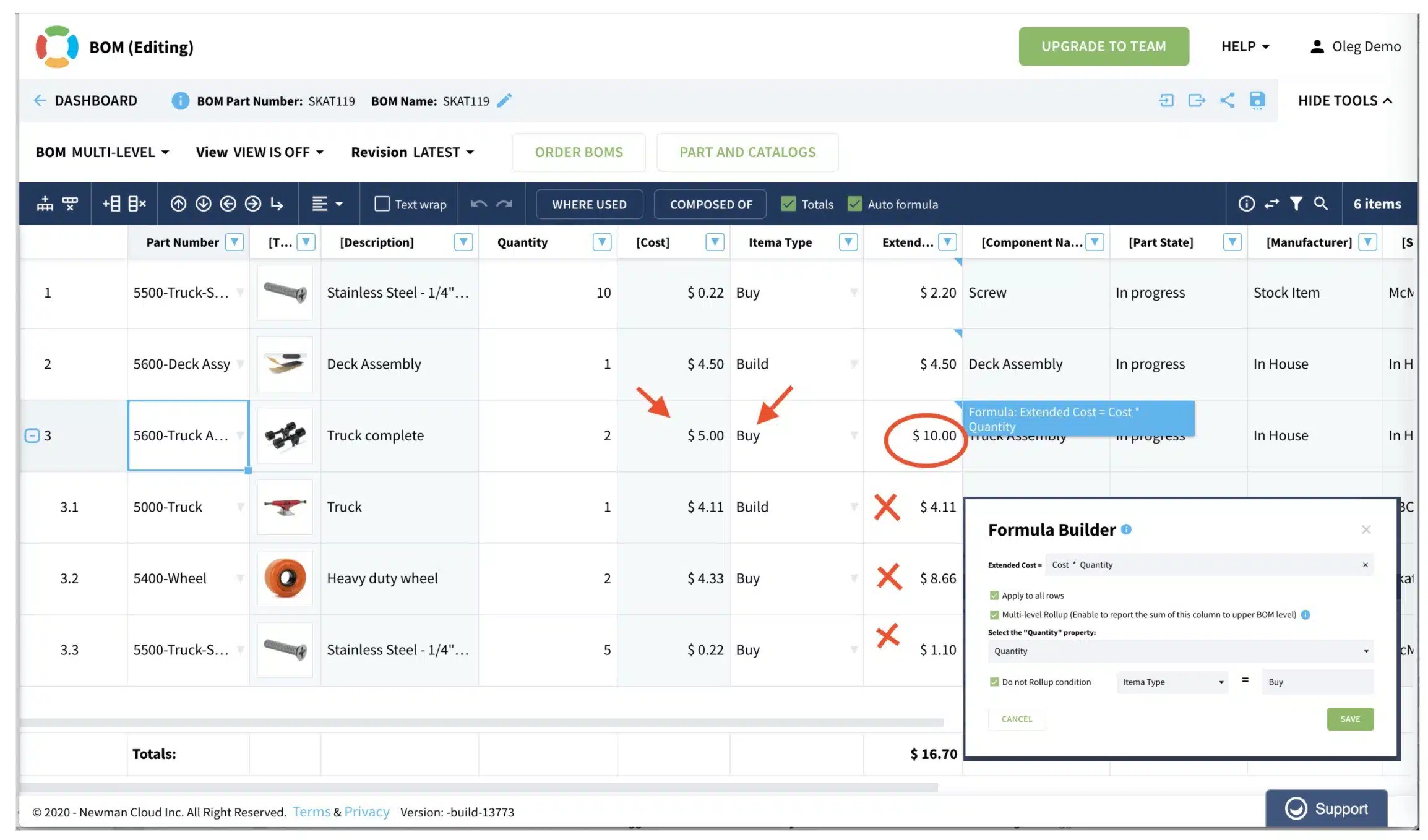
In the last OpenBOM update, we introduce a new option in the rollup calculations – conditional rollups. Think about a multi-level assembly, which uses some sub-assembly you plan to purchase from the external contractors. A typical example would be a pump or electric motor, but I’m sure you can come with many others. At the same time, you have a 3D model of the product with this “purchased assembly” and you need its parts to be in the BOM because of different reasons (eg. mass, compliance, and others). Let’s say I need to run a cost calculation, but I want to rollup the formula stop under certain conditions. It is hard to define these conditions upfront, but thanks to OpenBOM flexible data model, you define a property that can say, it is a purchased assembly or a normal assembly.
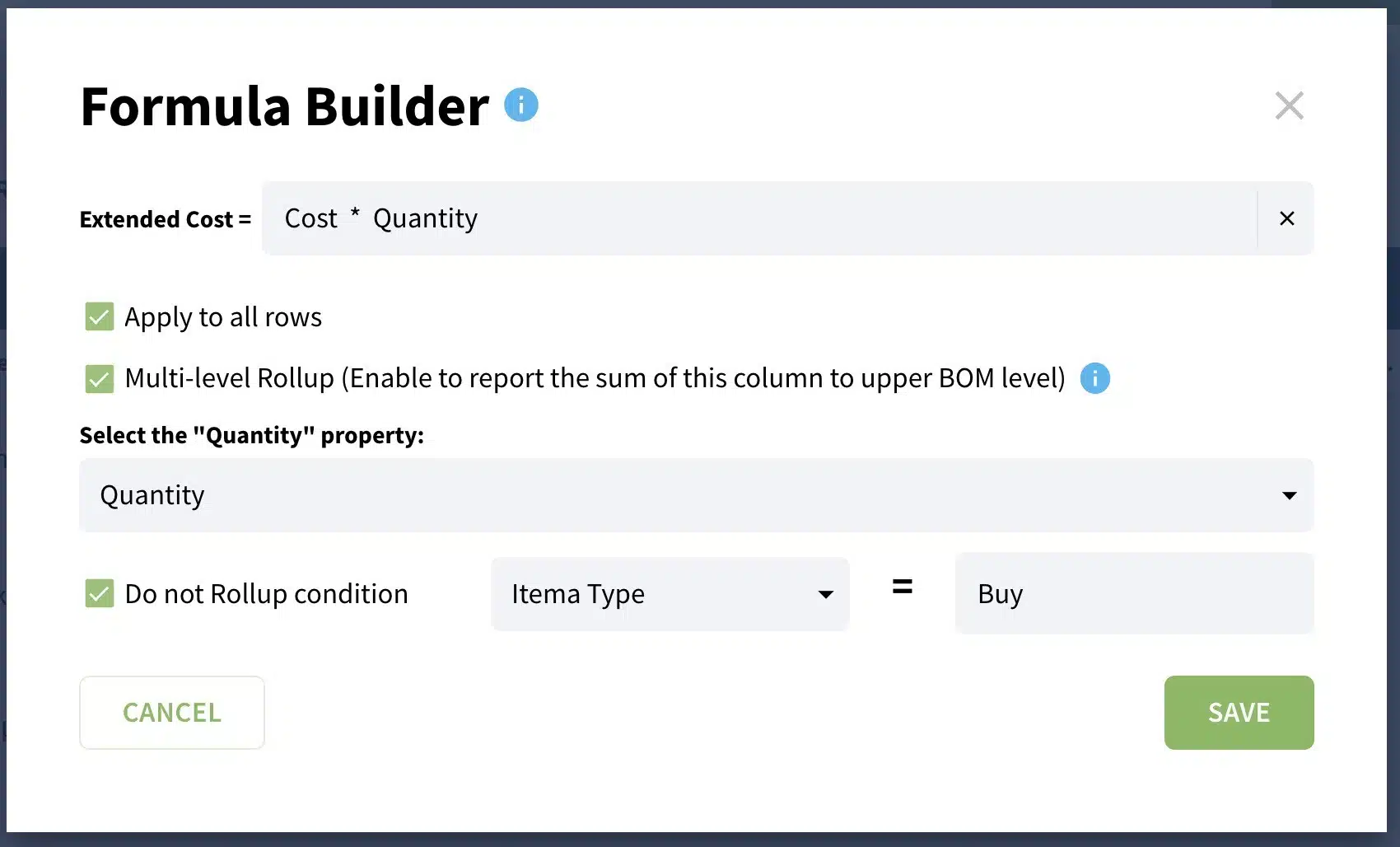
Things can be implemented in a very simple way. You can introduce any property (eg. Item Type) with a value that will become criteria to stop a roll-up calculation. In my example, the “Purchased” value is a criterion, but you can define your own.
Conclusion
OpenBOM conditional rollup is the next step in the improvement of the calculations process that can be applied to product structure. It brings an additional level of flexibility for setting mixed options of purchased and manufactured products as well as any other rule-based calculations.
Check what OpenBOM can do for you by registering FOR FREE and starting a 14-days trial for any OpenBOM subscription here.
Best, Oleg @ openbom.com
Want to learn more about PLM? Check out my Beyond PLM blog and PLM Book website. OpenBOM can help you increase business productivity and reduce service cycles, product development cycles, and marketing life cycles. Just check our services and solutions that offer a robust foundation for startups and large companies. Read OpenBOM customer reviews on G2 Crowd to learn what customers are saying about OpenBOM.
Join our newsletter to receive a weekly portion of news, articles, and tips about OpenBOM and our community.