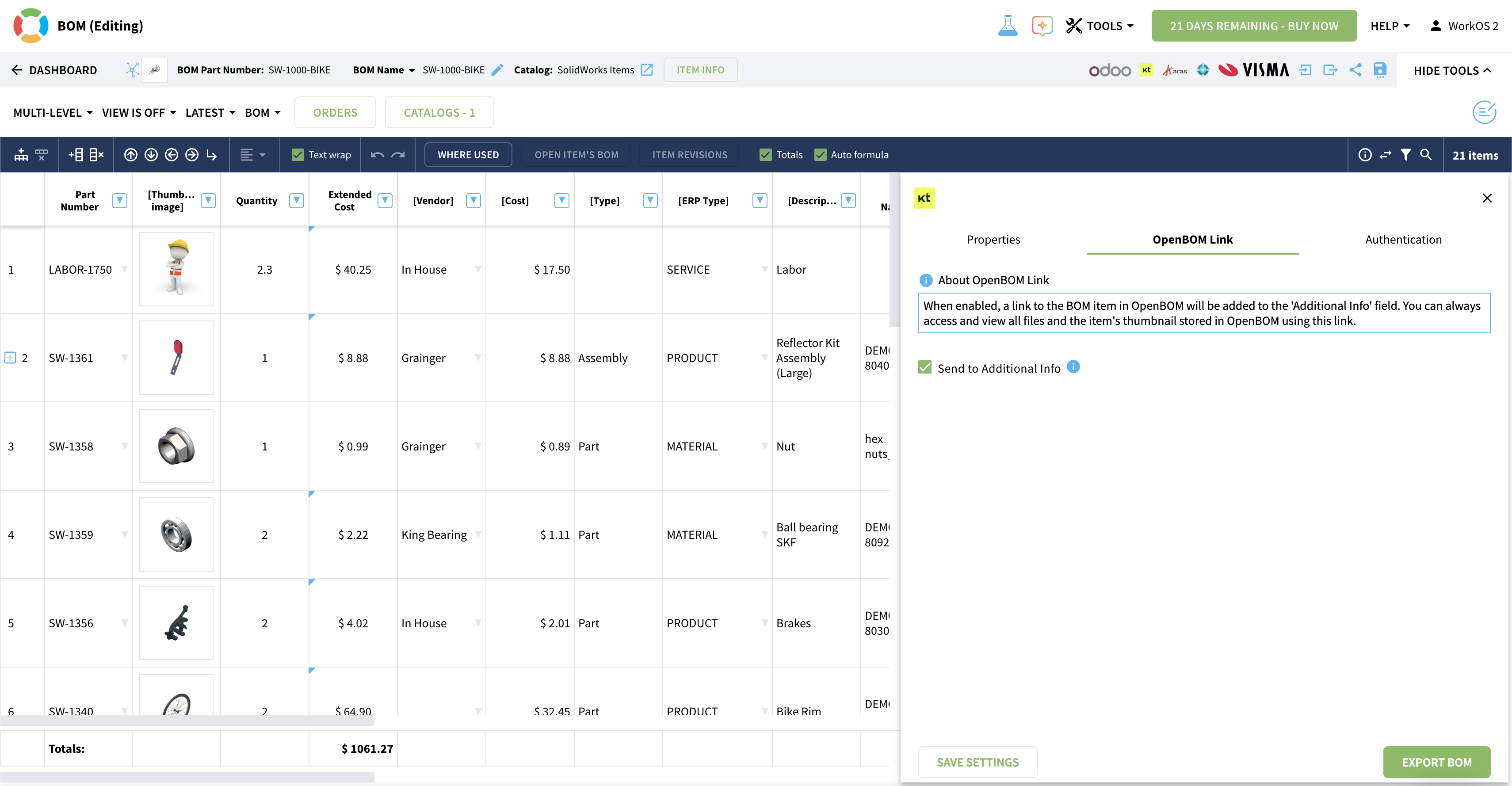
If you’re using Katana MRP to manage production, procurement, and inventory, you need a reliable way to transfer product information and synchronize processes between engineering environments (MCAD/ECAD) and your manufacturing system.
Whether your design workflows run in Dassault Systèmes SOLIDWORKS, PTC Onshape, Altium Designer, Autodesk Inventor, Autodesk Fusion, CATIA, PTC Creo, Siemens NX, or other MCAD/ECAD tools, OpenBOM provides a seamless path to create, structure, and manage Engineering BOMs — and to send that data directly to Katana MRP.
What the integration enables
- Generate structured BOMs directly from CAD (MCAD, ECAD, PCB, etc.)
- Map properties between OpenBOM and Katana MRP
- Send Items and multi-level BOMs into Katana with accurate structure and metadata
- Use a customizable REST API to support advanced or unique integration scenarios
- Push updated BOM data from OpenBOM to Katana with a single click
Why it matters
The OpenBOM–Katana MRP integration closes the gap between engineering and operations. Your design data flows cleanly from CAD to production, eliminating manual entry, copy-paste errors, and misalignments between engineering and manufacturing teams.
Check OpenBOM for Odoo documentation.
📩 Have questions? Contact support@openbom.com
How to Integrate OpenBOM with Katana | Step-by-Step Walkthrough