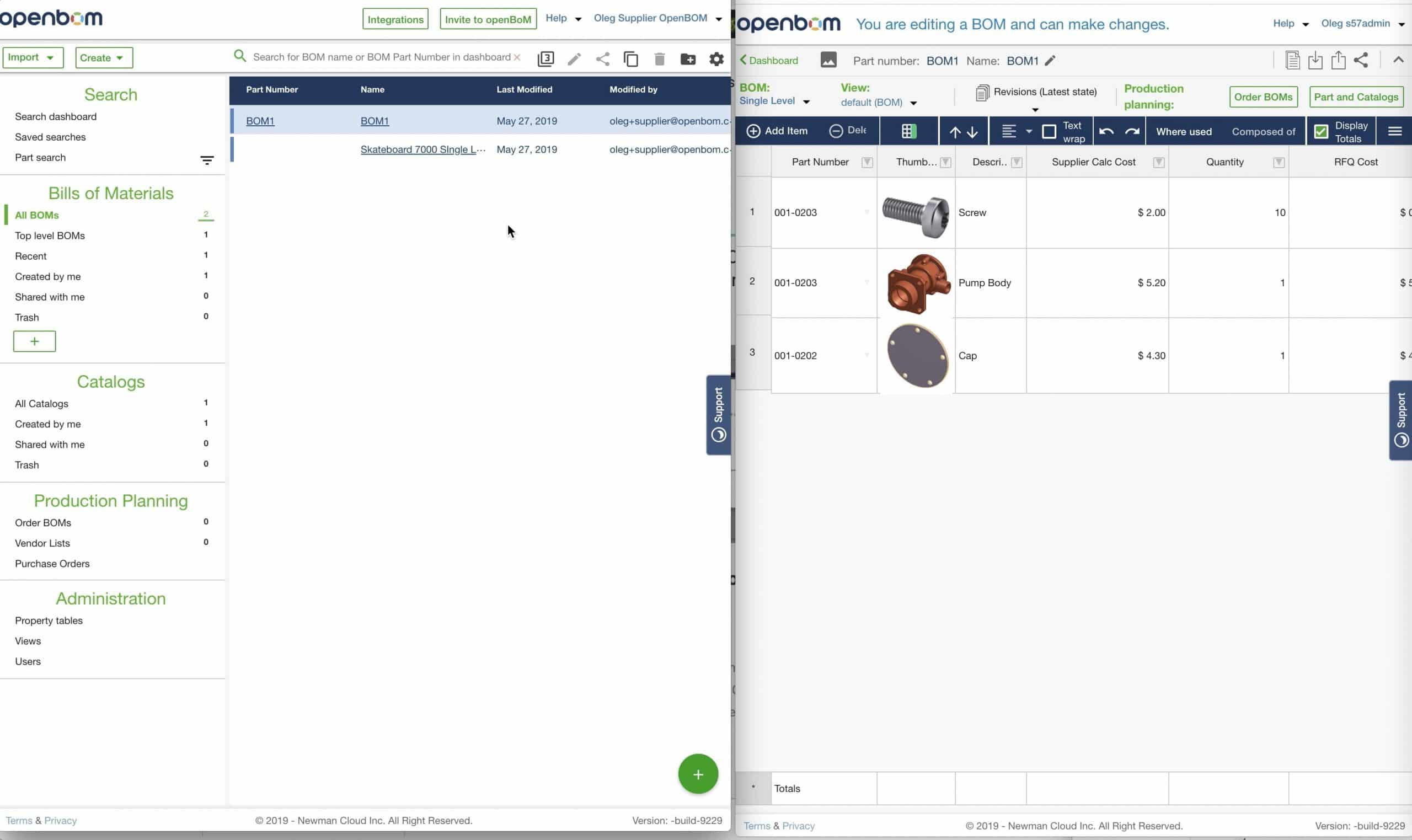
Any BOM or Catalog in OpenBOM can easily be shared by clicking the “Share” button with anyone with an OpenBOM account using their email. So, sharing is fast and easy. But the act of sharing a BOM requires one to actually do so. Although you can register to openBoM and use it for free, there is a better way – OpenBOM Professional Team subscription.
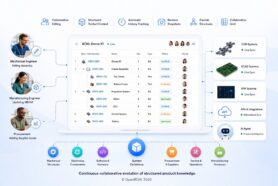
The advantage of Team is that data is automatically shared based on user settings. It can save a lot of time and efforts.
So, how Team sharing works? As a Team Administrator, you can add users to team – check this article for more information. Users will have an access based on settings – Edit, Read-only, Team Views and No Access (manual sharing).
There are 2 main advantages of Team sharing:
1- Data is owned by a team (not individual user)
2- No need to manually share every single BOM or catalog.
Check this video for more information
Conclusion.
OpenBOM automatic team data sharing allows you to get data (BOMs and Catalogs) automatically sharing with team members.
Best, Oleg
PS. Let’s get to know each other better. If you live in the Greater Boston area, I invite you for a coffee together (coffee is on me). If not nearby, let’s have a virtual coffee session — I will figure out how to send you a real coffee.
Want to learn more about PLM? Check out my Beyond PLM blog and PLM Book website
Join our newsletter to receive a weekly portion of news, articles, and tips about OpenBOM and our community.