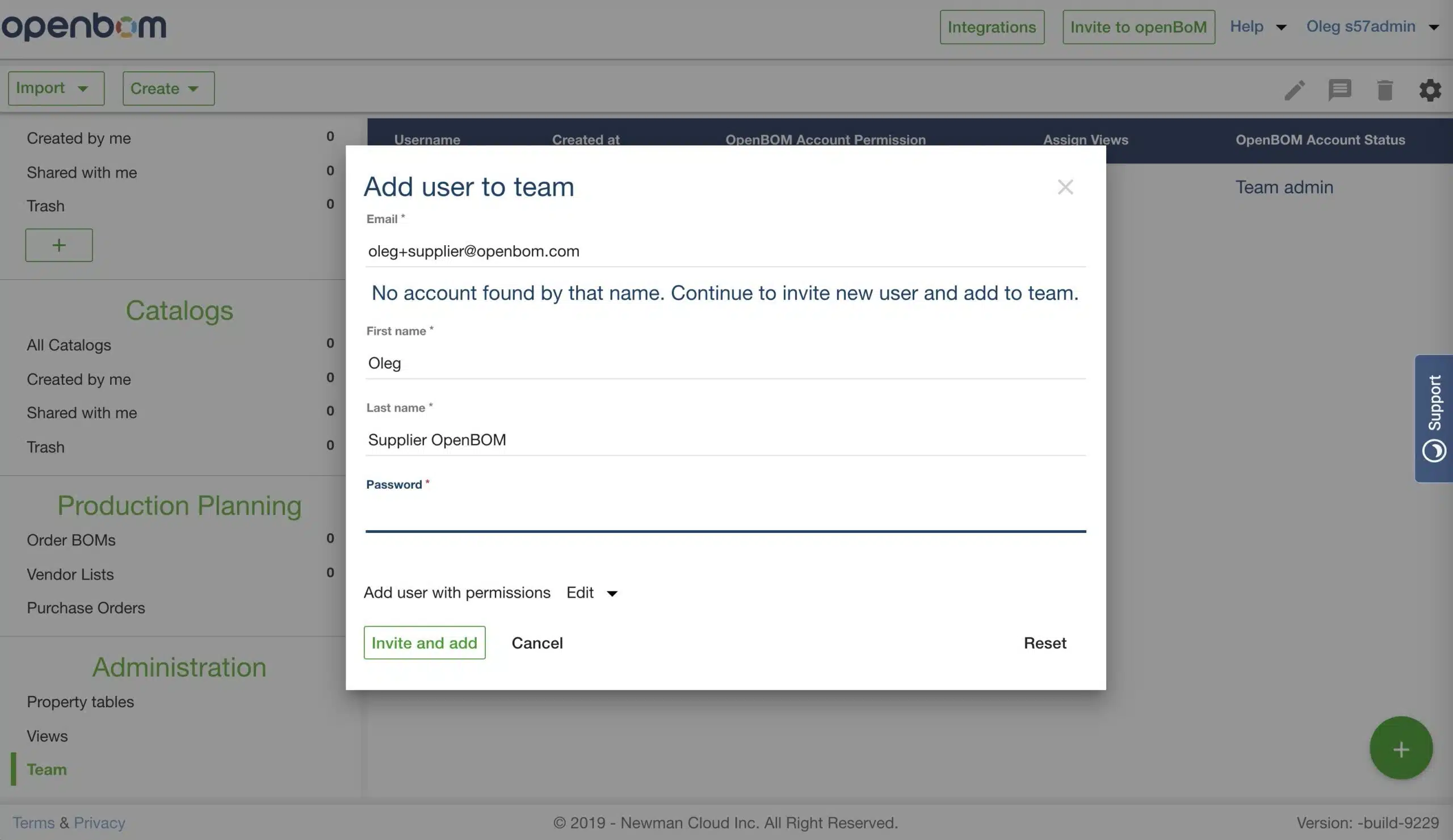
An OpenBOM Team Admin manages and controls who gain access to OpenBOM within a Team or organization. Access is not limited to internal, i.e., company, team members. Team members can include contract manufacturers, suppliers, among others. Moreover, Team Admins can enable automatic BOM sharing among team members making it possible for everyone on the team to access each others BOMs. This makes it easy for everyone on the team to have access to the information they need.
As Team Administrator, you can provision new users by adding new users or registered OpenBOM users with existing user subscriptions.
When you add a new user, the new user will be created an email will be sent to his/her email to confirm registration to OpenBOM. Team Administrator will set up a password and share with the new user. As an alternative, a new user can reset the password on its own.
When you add an existing user, this user is starting to share data and becomes part of OpenBOM Team managed by this Team Administrator.
The following video gives you an idea of how Team Admin can add a new user.
Conclusion
To create a Team using OpenBOM, purchase Team Subscription using your email. This email will become a Team Administrator. As Team Administrator, you will be able to provision new team members either by creating new users or add existing users to your team.
Best, Oleg
PS. Let’s get to know each other better. If you live in the Greater Boston area, I invite you for a coffee together (coffee is on me). If not nearby, let’s have a virtual coffee session — I will figure out how to send you a real coffee.
Want to learn more about PLM? Check out my Beyond PLM blog and PLM Book website
Join our newsletter to receive a weekly portion of news, articles, and tips about OpenBOM and our community.