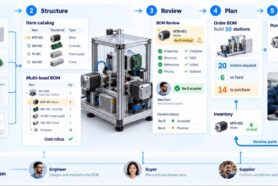
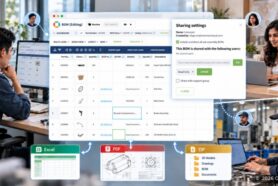
I have to admit – this is one of the long-awaited enhancements of OpenBOM. But later is better than never. New property types are coming to OpenBOM – currency and date.
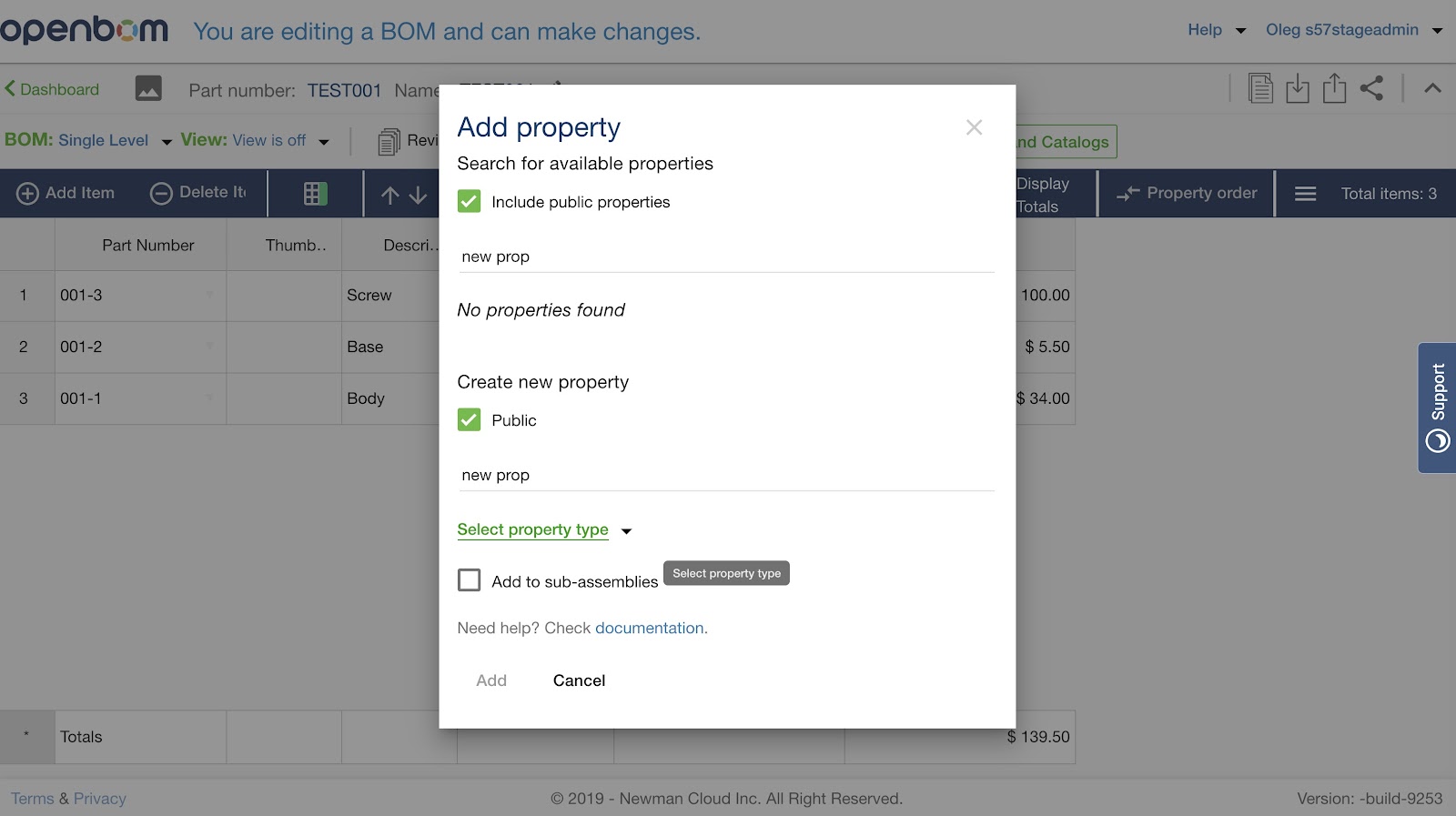
In this article, I will give you a quick preview of the Currency property type. The mechanism of Adding property is the same. However, improved Add property dialog, will alert you to select property type.
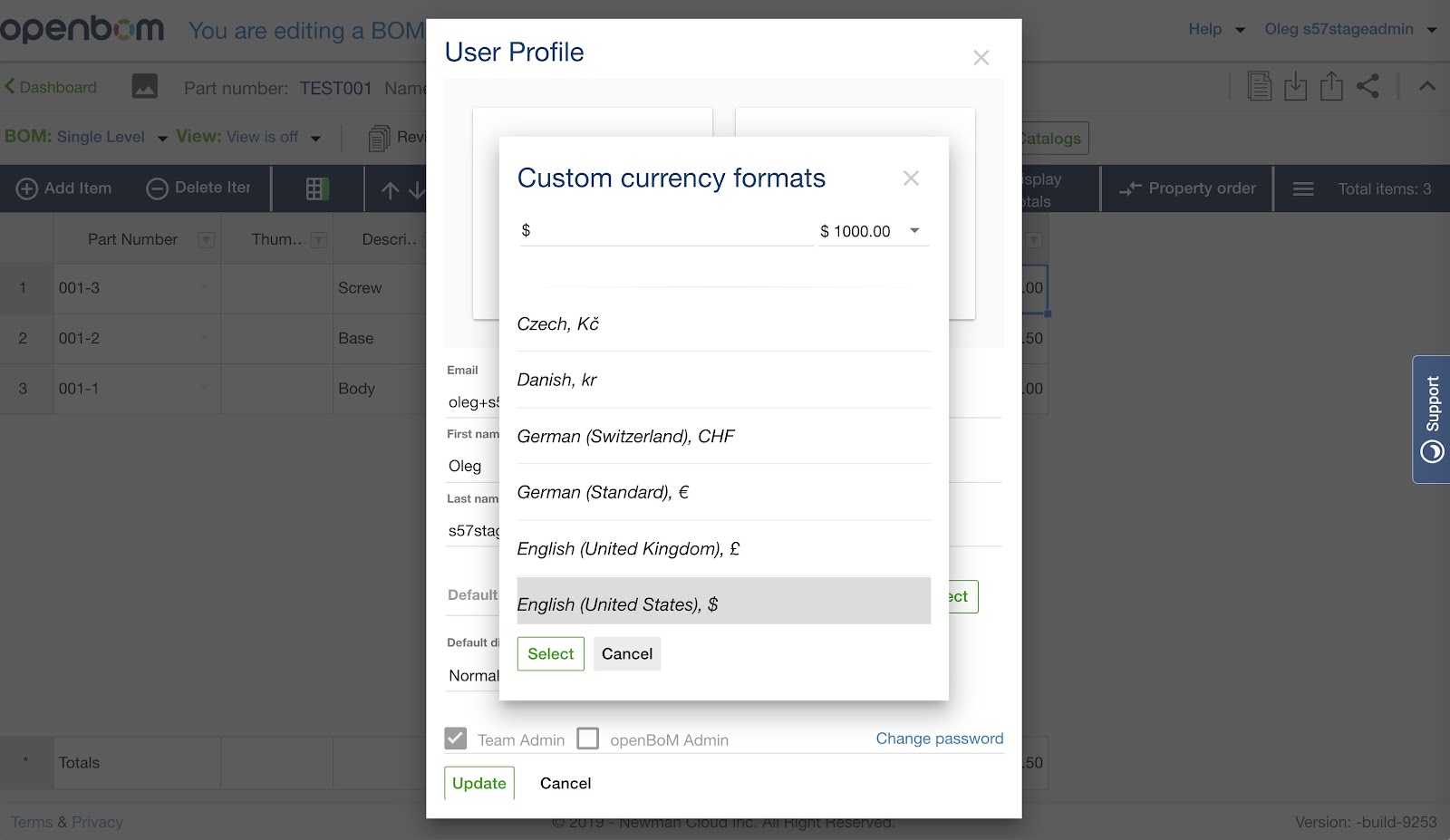
The default configuration will give you USD ($) setting to currency property. However, if you would like to change it, you can do it in User Profile Settings.
The following video can give you some idea how it works.
Conclusion
New property type “currency” is a great addition if you use OpenBOM production planning functionality and generate Purchase Orders. It is priceless and requested by many users. However, it will be very useful even if you just use it in BOMs. And the biggest advantage – now you can use currency formatted properties in formulas (Yay!!!). I hope you will like it.
Best, Oleg
PS. Let’s get to know each other better. If you live in the Greater Boston area, I invite you for a coffee together (coffee is on me). If not nearby, let’s have a virtual coffee session — I will figure out how to send you a real coffee.
Want to learn more about PLM? Check out my Beyond PLM blog and PLM Book website
Join our newsletter to receive a weekly portion of news, articles, and tips about OpenBOM and our community.