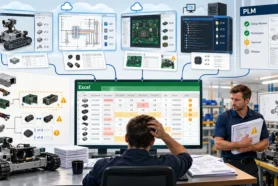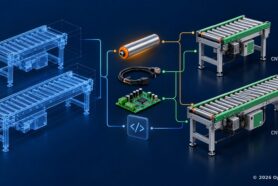
All products these days is some sort of combination of electronics and mechanical design. It comes everywhere and creates a new level of complexity.
From the early days of OpenBOM we knew that BOM is not only a reflection of mechanical parts. It is also a combination of information created in mechanical and electronic design systems.
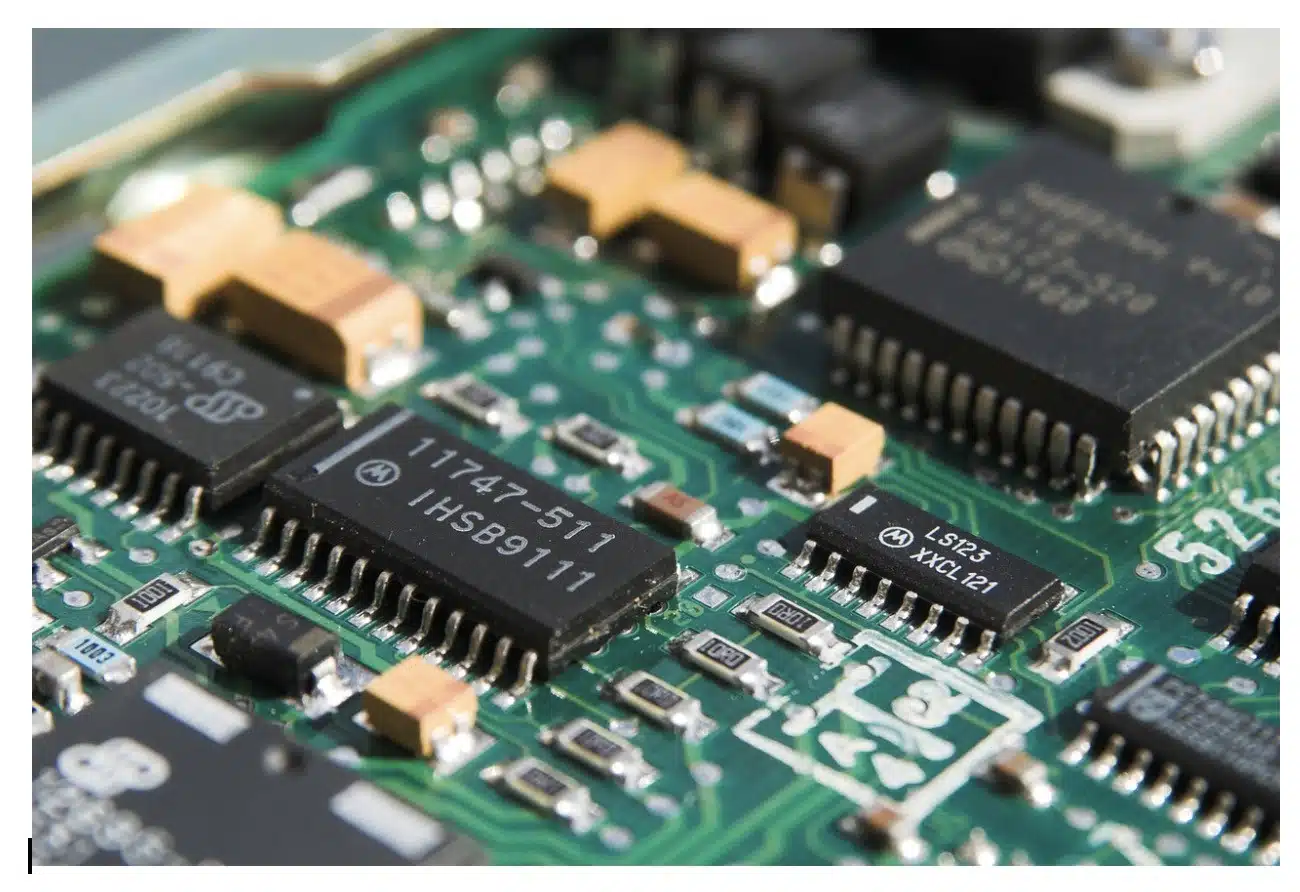
In the last OpenBOM release, we put a focus to improve the way OpenBOM is integrating with PCB design systems. In our case, Altium Design is one of the most widely used systems (together with Autodesk Eagle and Ki-CAD). Note -support for Autodesk Eagle and Ki-CAD is planned very soon in coming release(s).
In the last (May/2019) release of OpenBOM we enhanced the core model of OpenBOM integration with PCB design systems. Until now, we focused only on BOM export. However, we’ve been getting many requests to integrate with PCB component libraries.
We found that the best way to map a concept of libraries in OpenBOM is to create Catalogs. OpenBOM Catalog is a database of parts that can be used in multiple BOMs. And this is exactly how we did it.
Now, OpenBOM menu is also available in Altium Library browser. You can create a catalog from any Altium Library, enhance it in OpenBOM and then use it in many BOMs generated automatically or created manually.
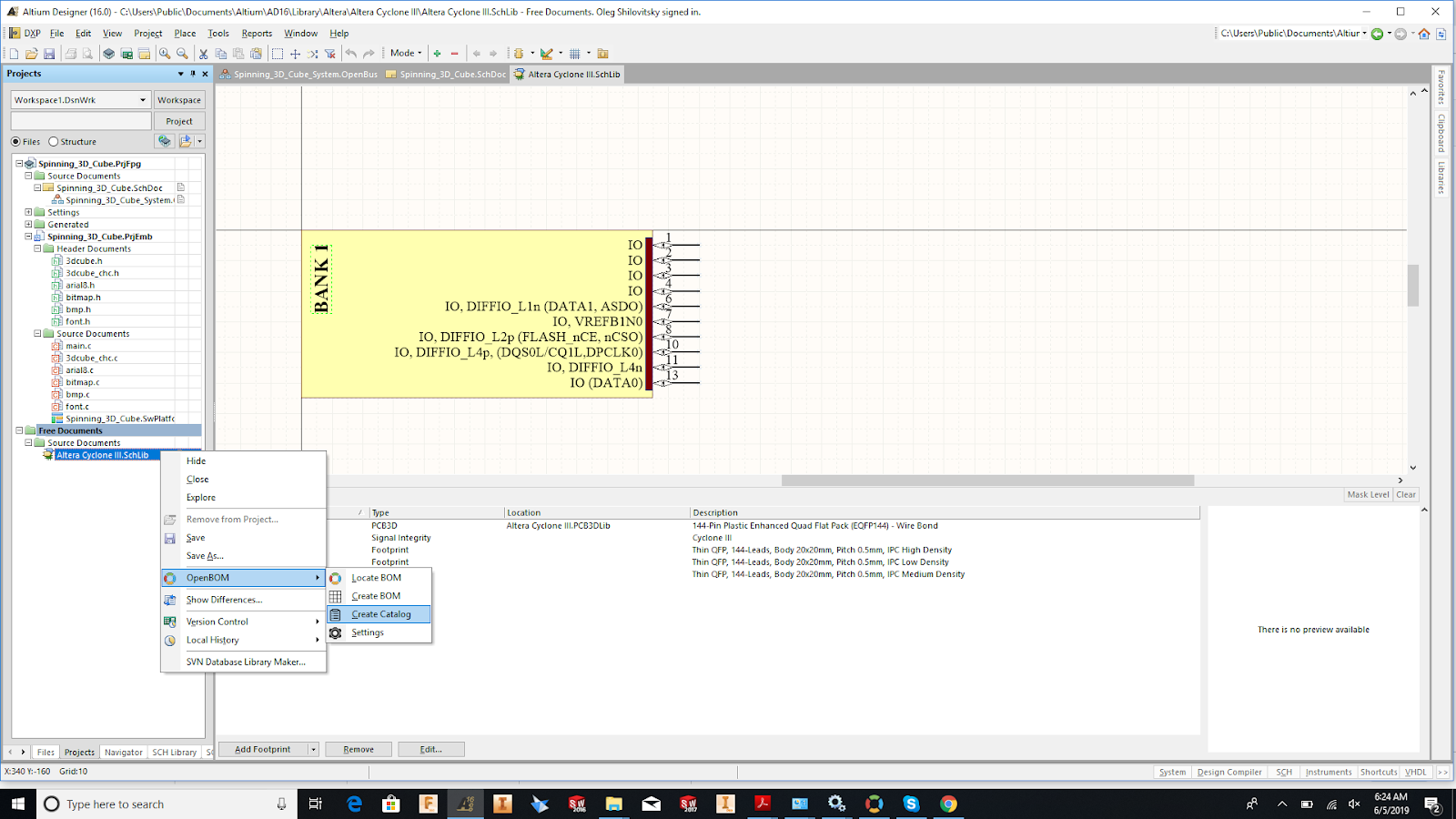
Here is the example of Altium Library exported to OpenBOM.
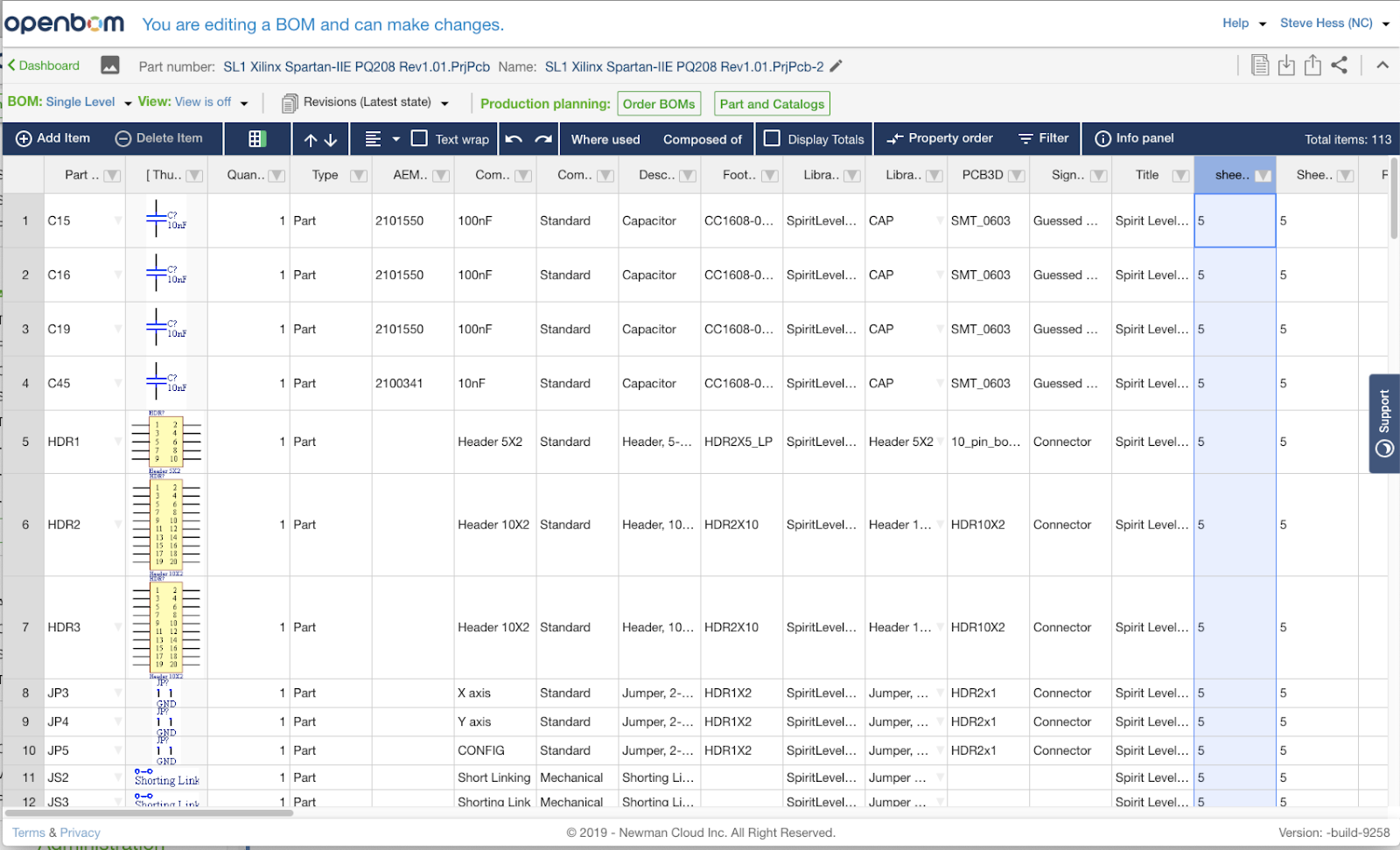
One last touch, we also support images in OpenBOM Altium integration now. It adds an special “visual” touch to all BOMs.
Conclusion
We are expanding support of Altium Designer by adding Catalog export from Libraries. The information from libraries (catalogs) can be used in multiple BOMs.
New integrations with Autodesk Eagle and KiCAD are coming. Stay tuned.
Best, Oleg
PS. Let’s get to know each other better. If you live in the Greater Boston area, I invite you for a coffee together (coffee is on me). If not nearby, let’s have a virtual coffee session — I will figure out how to send you a real coffee.
Want to learn more about PLM? Check out my Beyond PLM blog and PLM Book website
Join our newsletter to receive a weekly portion of news, articles, and tips about OpenBOM and our community.