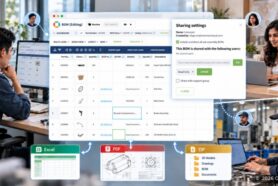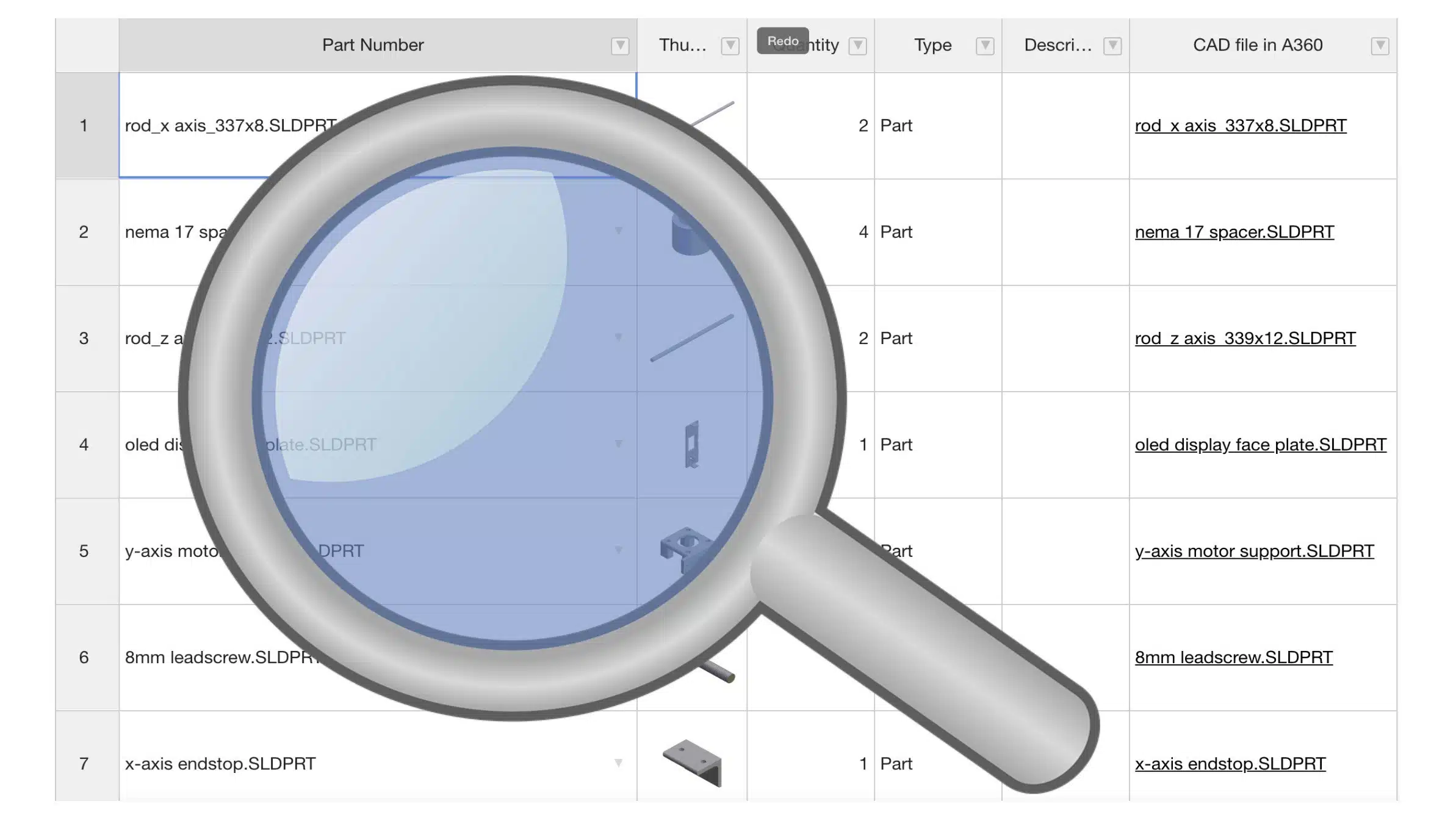
Search is one of these functions that everyone is looking for when it comes to data management. To be able to identify and isolate the data you need is extremely important. At OpenBOM, we developed multiple approaches to easily slice and dice data in different ways.
To remind you what is available today here are few videos:
1- OpenBOM Filter (it is available in single, multi-level and flattened BOM as well as in user-defined view)
2- OpenBOM Part and Advanced Search Dashboard.
Both solutions are focused on different scenarios. Today, I want to give you a quick preview of a simple text search we think is filling the gaps in the OpenBOM search function.
A new search function is allowing you to quickly jump between text matches in the bill of materials or catalogs. It will be the only search for visible pieces of information.
Here is a quick preview of the search.
Conclusion.
Search is a very important function. At OpenBOM, we provide a variety of ways to search and navigate between elements of data. Until now OpenBOM had filter and search dashboard. A new text search function will fill the gap remaining to provide needed search experience.
Tell me what do you think and what is missed in your view.
Check OpenBOM webinars to learn more about BOM management. If you have questions, contact OpenBOM support.
Try OpenBOM today by registering to FREE OpenBOM User Subscription.
Best, Oleg @ openbom dot com.
Let’s get to know each other better. If you live in the Greater Boston area, I invite you for a coffee together (coffee is on me). If not nearby, let’s have a virtual coffee session — I will figure out how to send you a real coffee.
Want to learn more about PLM? Check out my Beyond PLM blog and PLM Book website
Join our newsletter to receive a weekly portion of news, articles, and tips about OpenBOM and our community.